

Mobile tech is the new craze for charity auctions. It’s part of what’s called a hybrid auction, where online features are integrated into in-person events via smartphones.
Nonprofits are gravitating towards mobile tech for a few reasons. It takes a lot of stress out of event management and it makes bidding more engaging for guests.
But which mobile features are actually worth including in your hybrid event? And what features are even available to choose from?
We’ve made a list of different online features that will make a difference for you and your donors (that aren’t just there for show). We’ve also included guidance on how to integrate these features correctly into your next auction fundraiser.
Easier Mobile Bidding with CharityAuctions.com
Discover our complete set of mobile bidding features at an affordable price.
Set up Your Auction for FreeWhat is a Hybrid Auction?... and Why You Should Host One
In short, a hybrid auction combines an in-person auction with virtual bidding. Remote bidders can participate fully online, while in-person attendees participate through their phones.
Many hybrid auctions start their online portion a few days before the event starts. Donors get a head start on bidding, and the final few hours of bidding happens during your in-person event, where donors can see the items in person.
These kinds of auctions are becoming popular for a few reasons:
- Best of both worlds: The strength of an in-person auction is the opportunity to socialize and interact. The strength of a virtual auction is convenience. Hybrid auctions take advantage of both strengths.
- Wider reach & increased revenue: Instead of being limited to local attendees, you can reel in donors from anywhere in the world. This leads to more attendance and more donations. Mobile bidding can increase your revenue by up to 30%.
- Flexibility for donors: Some supporters may prefer attending in person, while others love the convenience of bidding from home. Hybrid events give them both options.
- Donors love it: Recent reports show that donors are highly receptive to mobile features and 31% of attendees now use mobile bidding.
Must-Have Mobile Features for Hybrid Auctions & Online Auctions
When choosing your auction software, make sure it comes with all of the must-have mobile features we’ve listed here.
Mobile Check-In/Registration
This is a game-changer because you no longer have to record hundreds of donors’ information by hand. Check-in becomes faster, and data collection is actually more accurate this way.
How to integrate this mobile feature at your auction:
- Attach the link to your auction registration page on every auction email and social media post. While sharing, ask attendees to register early.
- Create a big welcome sign at the entrance of your event that tells attendees to check in via mobile. Display the QR code to your page on this sign.
- If you’ve set up wi-fi, put the wi-fi password on your welcome sign.
- Give brief instructions on how to bid either on your auction home page or on your welcome sign.
CharityAuctions comes with a free Sign Creator to create your welcome sign. Or you can order one with our graphics package starting at $99.
Text Notifications
About 98% of SMS text messages get opened. Sending both general reminders and outbid notifications through text will help keep your donors engaged.
How to integrate this mobile feature at your auction:
- Enable the feature in your software if it’s not already enabled.
- If your software lets you customize these, write some engaging text notifications. Remind donors that your auction is live, that all their bids go towards a good cause, or that time is running out to bid.
QR Codes
A QR code to your main auction page is a must-have for hybrid events. It can be useful to display QR codes for each item, but it’s not necessary if you have item numbers.

Max Bid/Auto Bid
With automatic bidding, all donors have to do is set their max bid. Then the software handles bidding for them while they socialize and participate in other activities at your fundraiser event.
Using a Max Bid feature can increase the final bids on your items by 38%.
Donate Button
Don’t forget to add a direct donation button for anyone who doesn't want to take home an item or didn’t win an item.
How to integrate this mobile feature at your auction:
- Put the donate button at the top of your auction page or put it in place of your first item so everyone can see it.
- Write an appeal for donations in your auction description: “If none of our items interest you, you can still support us by making a direct donation!”
- If you’re hosting a paddle raise or fund-a-need at your event, utilize the donate button on your auction page to collect donations instead of physical paddles or pledge cards.
Auction Preview
Most donors (about 58% of them) want to know what’s available before they show up at your event, especially if you have expensive items and vacation packages that require planning.
How to integrate this mobile feature at your auction:
- Choose your bidding windows in your software and share your auction page a few days before bidding starts. Donors can view items without bidding as long as the bidding window isn’t active yet.
Tech Support
This is technically not a mobile feature, but it’s very important in case you run across any issues or confusion.
This can usually be accessed through a “Help” button on your software. Many platforms also offer an extra service where a representative helps you one-on-one during your event hours.

Ticketing
If you're charging admission, it's useful to use software that also takes care of ticketing.
Optional Mobile Features (For an Extra Boost in Engagement & Donations)
Not all platforms have these features, but if yours does, try some of them out at your next hybrid auction.
Social Media Sharing Buttons
Everyone will be on their phones during mobile bidding. So it’s the perfect opportunity to ask them to share your auction with their friends on social media. Provide sharing buttons directly on your auction page for Facebook, Instagram, etc. so donors can share with one click.
Mobile Payment Integration
To make checkout even easier, many software lets donors pay with Apple Pay, Samsung Pay, etc. through their phones. It's easier than entering their credit card information manually.
Live Dashboard
A live display of bids and donations encourages some friendly competition, and donors smile when they see their name on the big screen! Live leaderboard displays can increase fundraising by 25% or more and many events have seen more engagement when using displays.
But if you think your donors would prefer to be anonymous, some software lets you display only the total donation amount. This still encourages donors to help you reach your goal.
How to integrate this mobile feature at your auction:
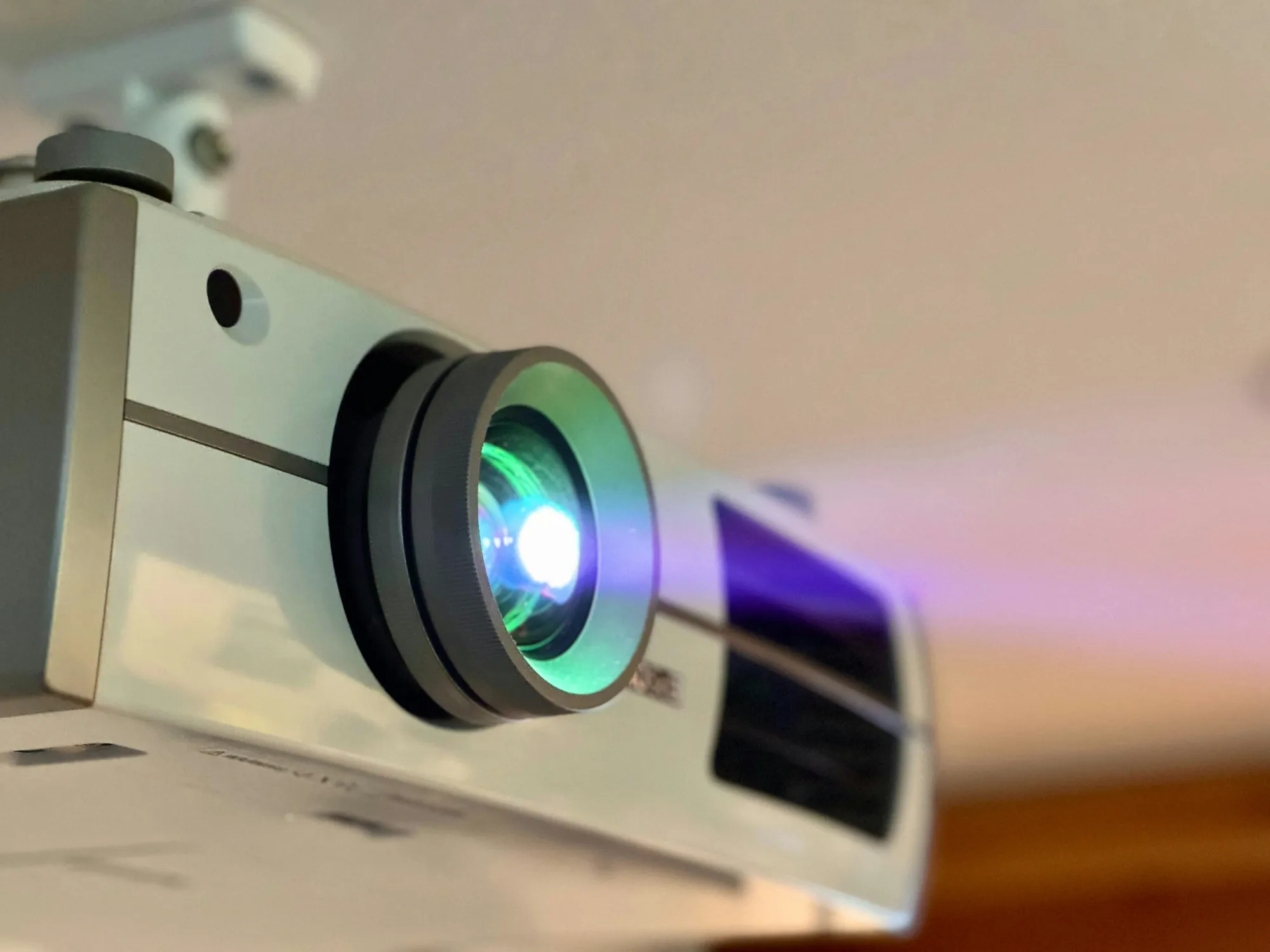
- Project the dashboard somewhere in your event space. This can be done by using a projector that’s available at your venue (you may have to request one), by projecting it directly onto a wall, or by hooking up your device to a TV in your event space.
Buy Now Options
A buy now option lets you set a price that will guarantee a donor can take that item home. This guarantees you get that amount for the item, but limits any higher bids that may have come in.
Popcorn Bidding
Popcorn bidding means that if there’s a last minute bid on an item, the bidding time gets extended for a few minutes. If another bid is placed within those few minutes, the time gets extended again, and so on until bidding ends.
This lets bids go higher when there’s a lot of last-minute competition on an item.
Your software will give you the option to enable this if you decide to use it.
Admin Mobile Controls
We've been focusing on mobile features that donors can use, but what about your team? Managing a hybrid auction from a phone or tablet can be super handy. You'll be able to monitor activity or make changes from anywhere on the event floor.
Mobile Bidding Tutorial
Watch our quick 2-minute Mobile Bidding Experience video to learn how to set up mobile bidding through CharityAuctions.
CharityAuctions is the easiest way to bring hybrid auctions to your donors. It’s highly intuitive for both you and your donors, and you can get started for free.
CharityAuctions’ mobile experience includes:
- 24/7 tech support
- Offline functionality
- QR codes and mobile check-in
- Automated text notifications
- Donation dashboards
- Mobile ticketing
- Mobile admin controls
- & more
Read our Complete Mobile Bidding Guide for all of our mobile bidding How-To’s for any software.
Frequently Asked Questions
What mobile features should I use in my charity auction?
Some must-have features include mobile check-in, text notifications, QR codes, auto bidding, auction previews, and event ticketing.
Optional features that will boost donations include live dashboards, social media sharing buttons, mobile payment integration, popcorn bidding, and mobile admin controls.
Which auction software has the best mobile features?
Choosing the best software is about balancing the best mobile features while also staying in your budget. We’ve narrowed down your choices to the top 5 best mobile bidding software here based on budget and organization size.
How expensive is mobile bidding software?
You can find auction software for free (which usually isn’t completely free because of processing fees), mid-range software with plans that cost a few hundred dollars, or high-end software with lots of features and personal tech assistance in the $1,000+ range.
Can I get help setting up mobile bidding for the first time?
Yes. Some platforms offer a white glove service at an extra fee. A representative will personally guide you through mobile bidding and be available during your full event hours.
If you’re hosting an event with us, you can set up a free consultation call here for help with setting up. You can also contact our 24/7 support team here if you already have a plan with us.
How do I set up payment processing with mobile bidding software?
You don’t have to set up any invoicing or payment processing. Most software will take care of it for you and even generate receipts automatically.
Some platforms partner with payment processors like Stripe or PayPal. You will be directed to set up your account through those systems.
Should I use my platform’s mobile bidding app?
Generally we recommend not using apps. Most donors will be annoyed by having to download an app for a one-time event.
💡 Try this in ChatGPT
- Summarize the article "Mobile Features to Integrate Into Your Next Charity Auction" from https://blog.charityauctions.com/best-mobile-auction-features/ in 3 bullet points for a board update.
- Turn the article "Mobile Features to Integrate Into Your Next Charity Auction" (https://blog.charityauctions.com/best-mobile-auction-features/) into a 60-second talking script with one example and one CTA.
- Extract 5 SEO keywords and 3 internal link ideas from "Mobile Features to Integrate Into Your Next Charity Auction": https://blog.charityauctions.com/best-mobile-auction-features/.
- Create 3 tweet ideas and a LinkedIn post that expand on this FAQ topic using the article at https://blog.charityauctions.com/best-mobile-auction-features/.
Tip: Paste the whole prompt (with the URL) so the AI can fetch context.
