

There are over 30 different auction platforms built for nonprofits. It’s the classic case of having too many options.
So how can you know which one has the best mobile features for hybrid auctions? How can you choose the one that won't crash on event night?
We'll narrow down the options to our top 5 picks, with the pros and cons of each. Then we'll walk you through how to choose what’s right for your needs.
Note: Price estimates were last updated Dec. 2025.
Easier Mobile Bidding with CharityAuctions
Set up quick, free, and stress-free mobile bidding.
Set up Your Auction Page for FreeBest 5 Mobile Auction Software for Nonprofits
Use our step-by-step process to select mobile bidding software that’s right for you, or select from our curated list. Here’s what we recommend and why:
1. CharityAuctions (Formerly CharityAuctionsToday)
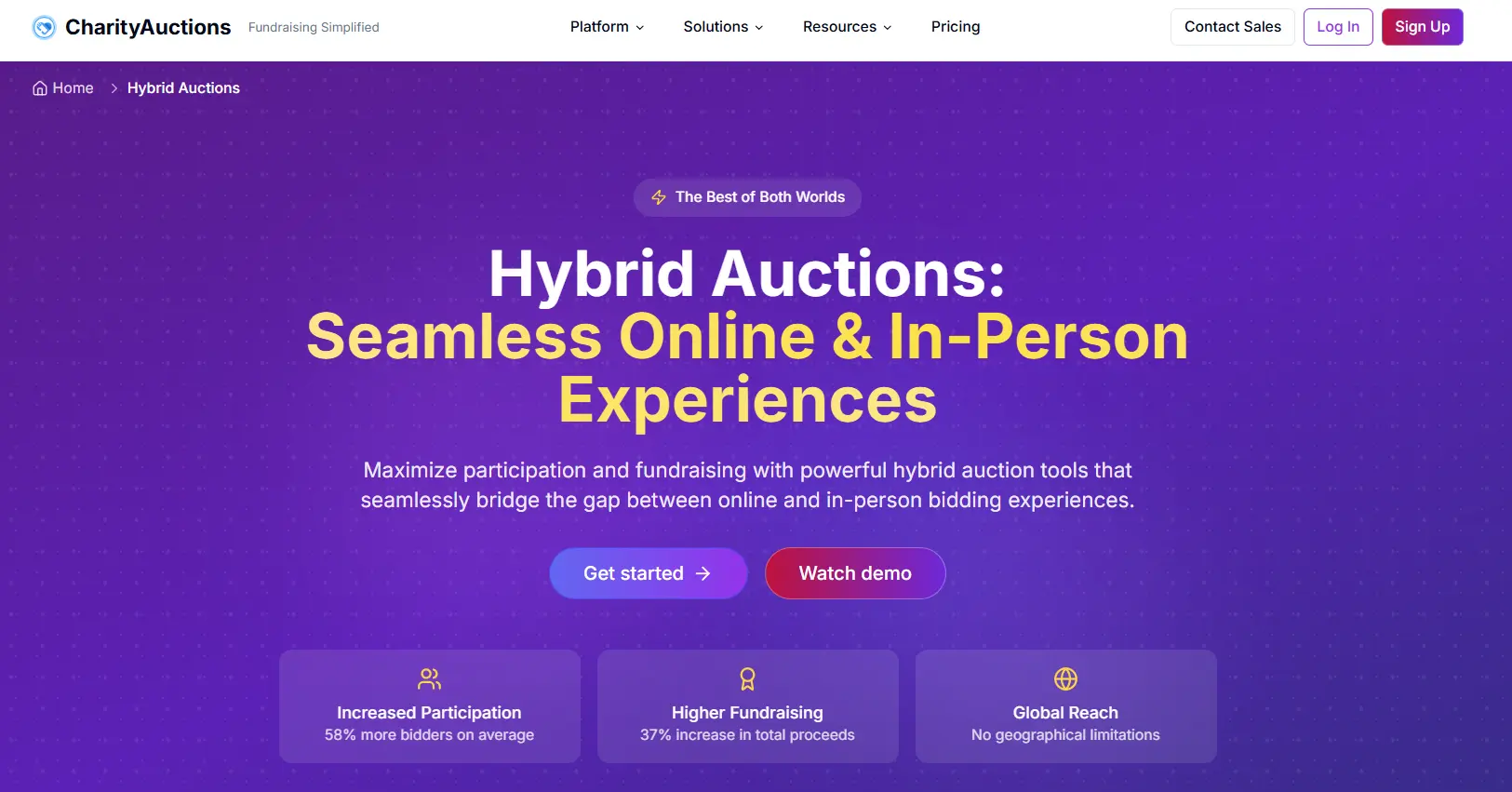
Recently recognized by G2 as “Easiest to Use” in its niche, CharityAuctions is our best all-around pick for mobile auction software.
The recent redesign from CharityAuctionsToday to CharityAuctions was built specifically with mobile functionality in mind. Beyond their ease of use, their customer support is very helpful and you can use the platform offline in case of wi-fi and connectivity issues.
Can you sign up for free?: Yes
Are demos available?: Yes
Pricing: 0-8% of auction revenue
PCI-compliant: Yes
Key Mobile Features:
- No app required (everything can be done on a browser)
- Mobile payment integration (Apple Pay, etc.)
- Text notifications
Best For:
- Small nonprofits and schools on a budget
- Medium-sized nonprofits
- Ready-to-use auction pages & quick setup
- Hybrid auctions & online auctions
Pros:
- Offline functionality
- Easiest platform to setup
- Amazing customer support
Cons:
- Fewer advanced features
- Less customization
2. Givebutter
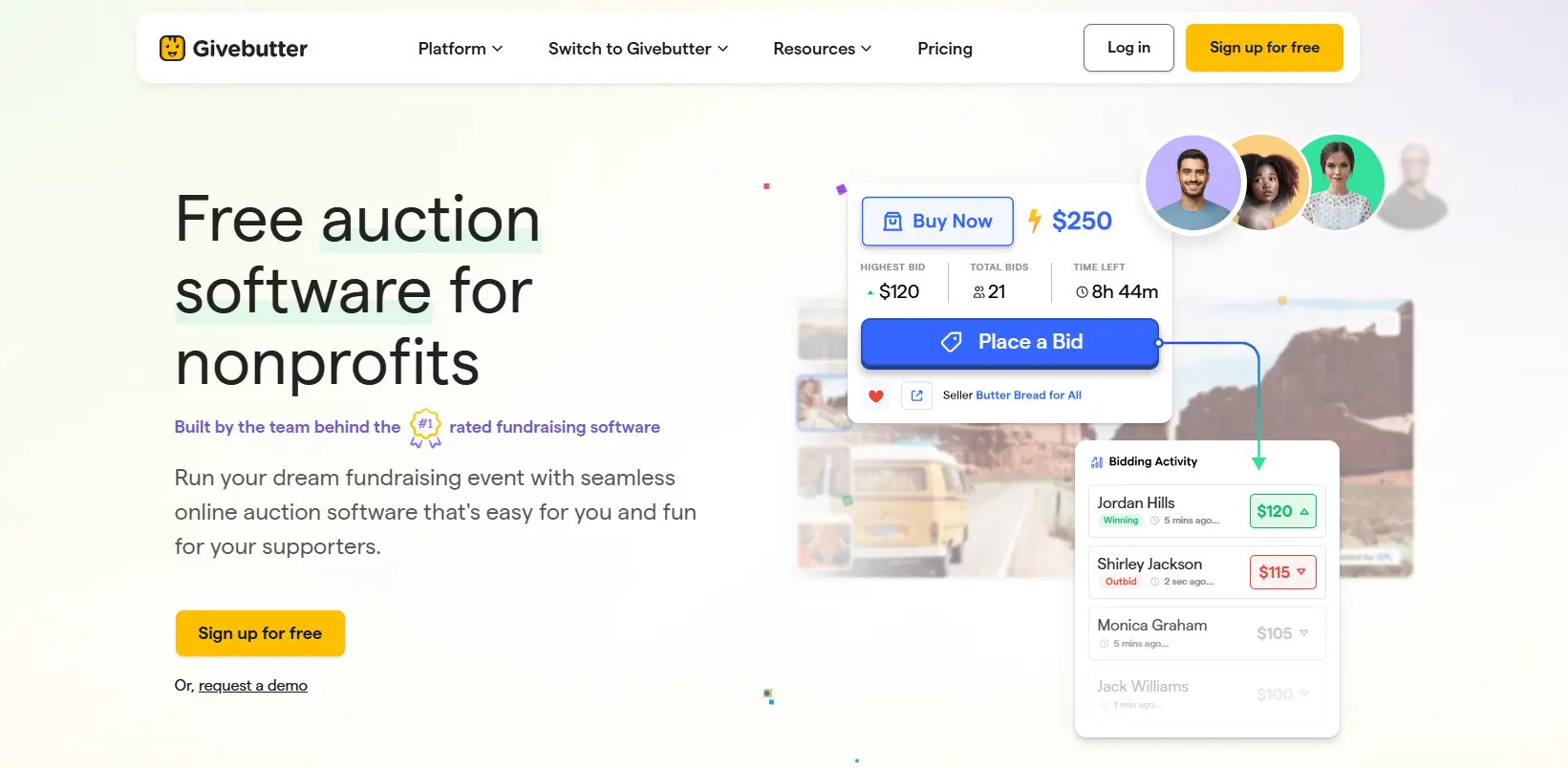
Givebutter is a popular choice for fundraising software that also comes with auction and mobile bidding features. You can choose to have donors pay all fees, or your organization can cover some fees to lessen the burden on donors.
Can you sign up for free?: Yes
Are demos available?: Yes
Pricing: 0-6% of revenue, or flat fees based on number of donors
PCI-compliant: Yes
Key Mobile Features:
- No app required (everything can be done on a browser)
- QR codes for items
- Text notifications
Best for:
- Small nonprofits and schools on a budget
- Organizations looking for free but comprehensive fundraising software
Pros:
- Can be used completely free (but fees are deferred to donors)
- All-in-one fundraising platform
Cons:
- High fees for ticketed events
- Auction item categories can be hidden on mobile
- Links to auction pages occasionally have issues
3. OneCause
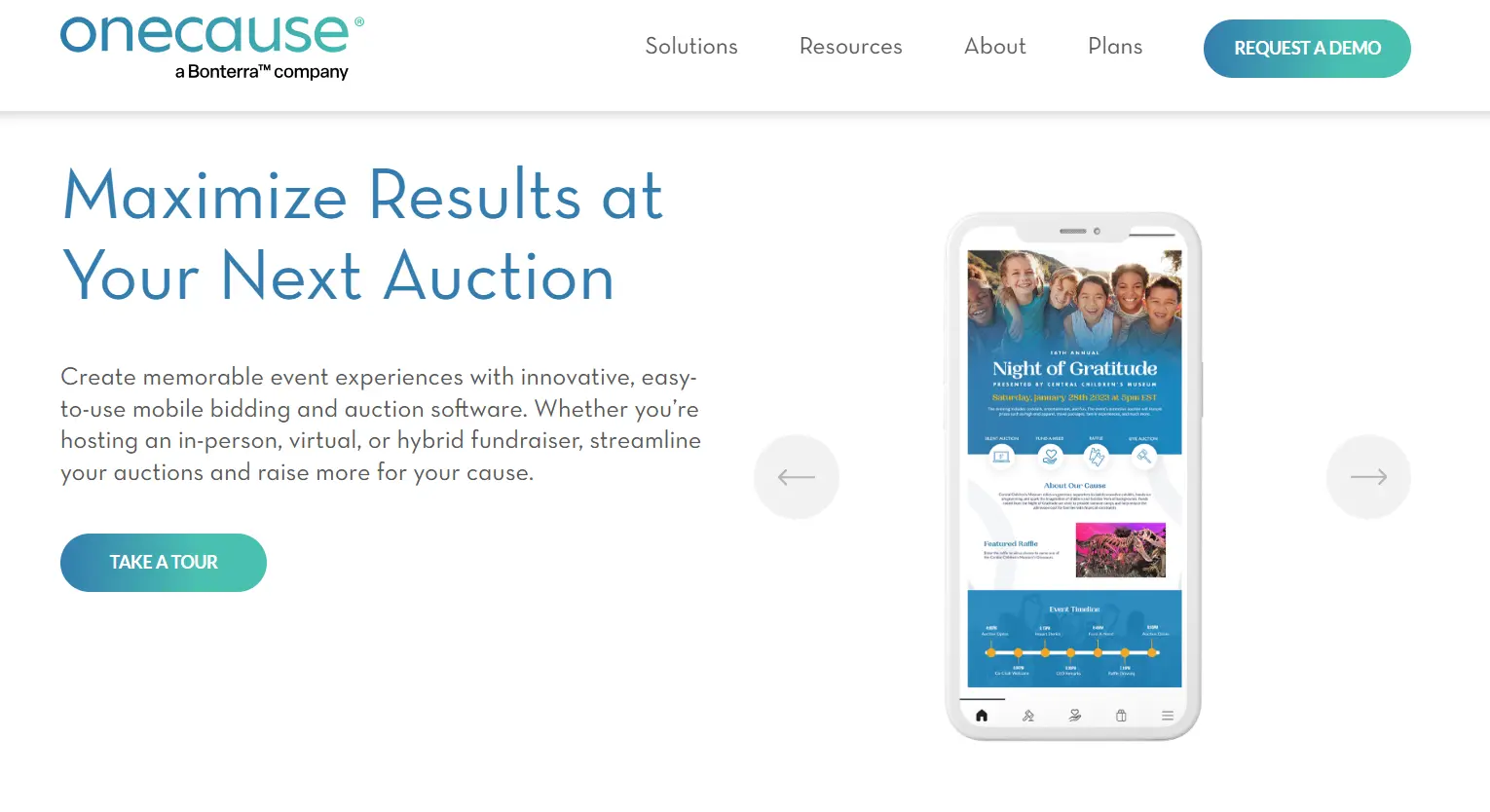
OneCause is a highly professional option that comes at a moderate price. They have great mobile bidding features plus a whole range of other fundraising features beyond auctions.
Can you sign up for free?: No
Are demos available?: No
Pricing: Plans starting at $200 plus 5% fee on donations
PCI-compliant: Yes
Key Mobile Features:
- No app required (everything can be done on a browser)
- Text notifications
- Live leaderboards
Best for:
- Medium to large nonprofits
- Organizations looking for more customization and advanced features
- Organizations looking for all-in-one fundraising software that includes auctions
Pros :
- Highly professional
- All-in-one platform
- Extensive mobile features
Cons:
- Steepest learning curve
4. Auctria
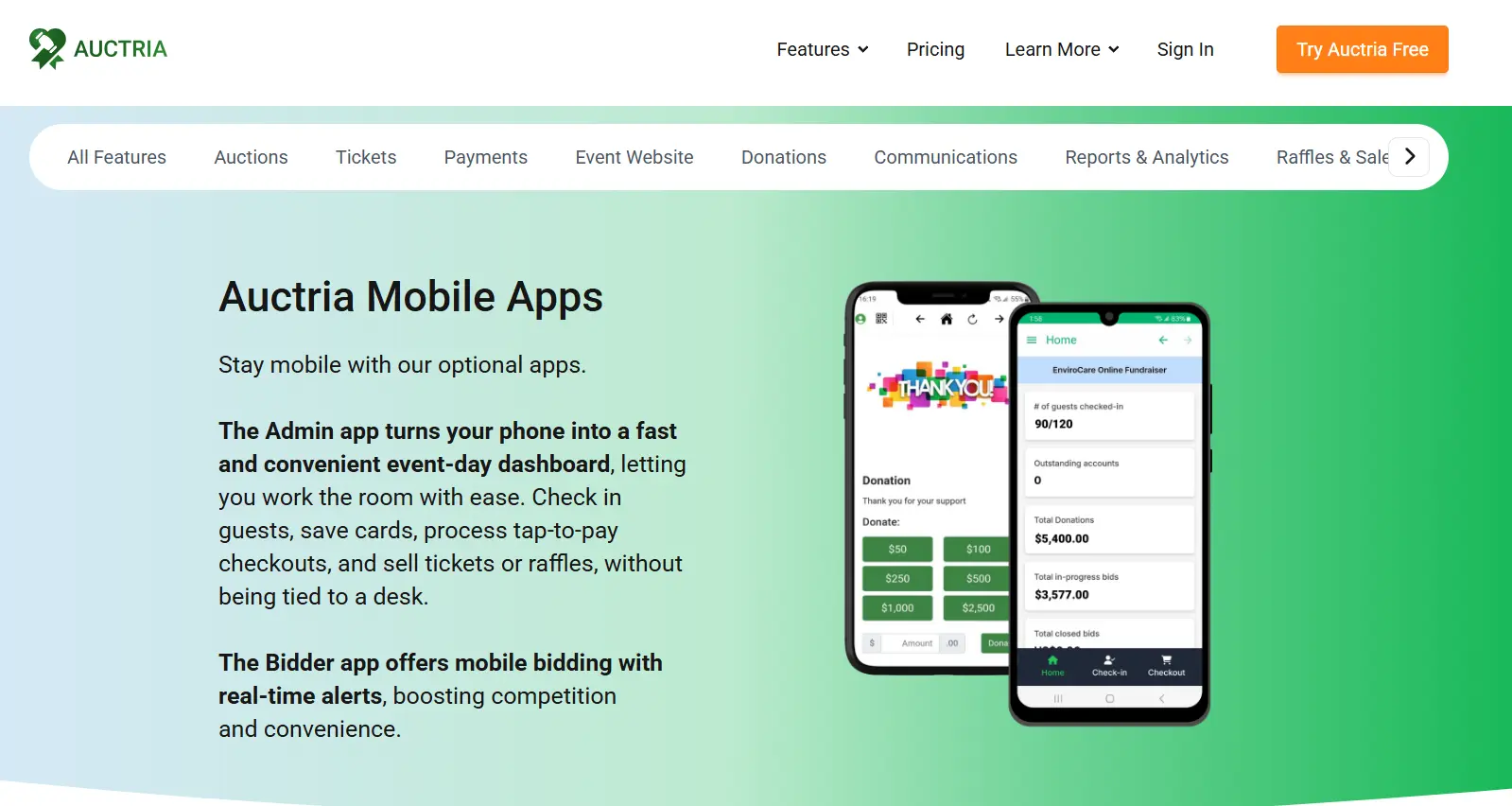
Auctria is another great option that balances affordability with high quality software. The one downside is that text notifications only come with their optional app. Donors accessing your auction page via web browser will receive email notifications instead.
Can you sign up for free?: Yes
Are demos available?: Demos must be scheduled
Pricing: $0-$750/year + credit card processing fees
PCI-compliant: Yes
Key Mobile Features:
- QR codes
- Event website
- Text or email notifications
Best for:
- Small to medium nonprofits on a budget
- Integrating mobile bidding at live auctions
- Online and hybrid auctions
Pros :
- Great customer support
- Great customization
Cons:
- Less modern auction page design
- Mobile notifications only come with their app
5. GiveSmart
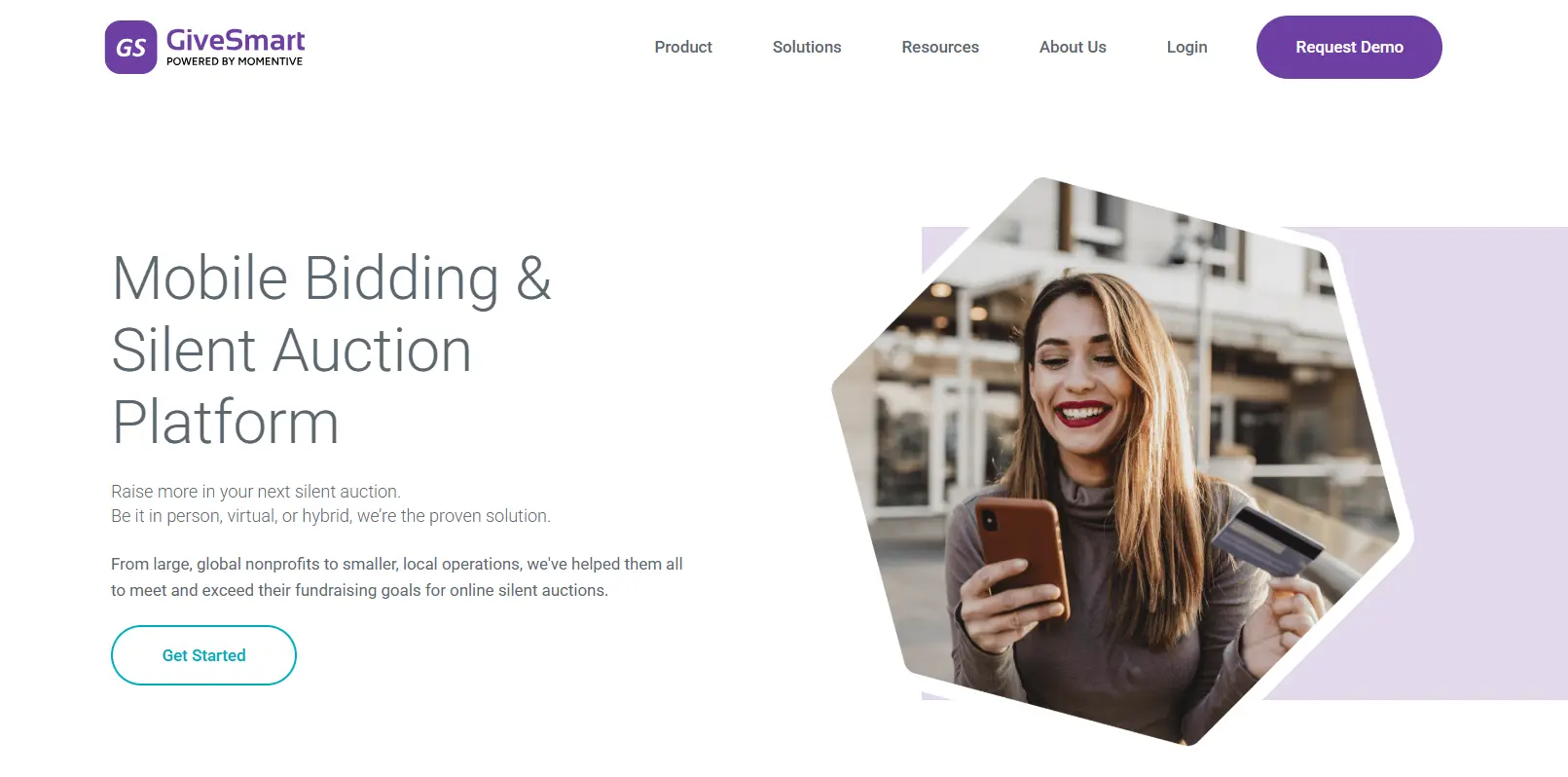
GiveSmart is the premium option on our list, with the most impressive list of mobile features. Choose GiveSmart for high-end auctions to impress high-end donors.
Can you sign up for free?: No
Are demos available?: No, demos must be scheduled
Pricing: Annual subscription starting at $2,395 plus 3.5% credit card processing fees
PCI-compliant: Yes
Key Mobile Features:
- Live leaderboards
- No app required (everything can be done on a browser)
- Text notifications
- Item bundling
- Allows videos
- Sponsorship displays
Best for:
- Large nonprofits
- Organizations looking for robust features
Pros:
- Great integrations with CRMs and more
- Great receipt system
Cons:
- Expensive
- Not transparent with pricing
7 Steps to Choose Your Mobile Auction Software
Just in case our top 5 picks don’t sound right for you, here’s our method for selecting the right software for your charity auction.
-
Check the software’s price and pricing model.
-
Look for mobile bidding features.
-
Read reviews.
-
Check that payment processing is secure.
-
Choose a mobile bidding platform with quality customer service.
-
Select a platform that doesn’t require an app.
-
Use free trials or free sign-ups to test software on mobile.
Step 1: Check the Software’s Price and Pricing Model
Your budget is a huge factor for which auction software you choose. But another factor to consider is pricing models. You'll come across different fee models, including:
- Flat monthly or annual fees
- A percentage of your total event revenue
- Free, but with added credit card processing fees
- Free, but with fees deferred to donors
Many mobile bidding sites are free, but platform fees and processing fees end up falling on your donors. Pay attention to those extra charges and be upfront with donors. Explain that they will be paying extra fees at checkout.
Step 2: Look for Mobile Bidding Features
Check that your software has great mobile bidding features.
If the auction platform’s mobile bidding features aren’t prominently displayed on their website, this is not a good fit! Some fundraising platforms don’t specialize in auctions or mobile auctions. This is likely to be an afterthought for the platform.
Step 3: Read Reviews
Check what people are saying about different auction platforms. You can find reviews on Capterra, Software Advice, Reddit, and Google. Some platforms offer full fundraising suites, so look specifically at reviews about their auctions and mobile bidding.
Step 4: Check that Payment Processing is Secure
It may be tempting to choose a lesser known platform because of its affordability. But make sure that platform is secure for your donors during checkout! Look for PCI-compliant software and transparent payment reporting.
Step 5: Choose a Mobile Bidding Platform with Quality Customer Service
Auctions are a lot of work, and the more help you have, the better. Look for auction platforms that offer great customer service or on-demand help while your auction is live.
Some platforms also provide a white glove service. A representative will come in-person to your live event to help with setup and operation!
Step 6: Select a Platform that Doesn’t Require an App
Donors don’t want to download an app to their phones for a one-time event, so choose a platform that works on mobile browsers. If the auction software you choose has an optional app, make it clear to donors that they don’t have to download it.
Step 7: Use Free Trials or Free Sign-Ups to Test Software on Mobile
If you want to see what your donors will experience during mobile bidding, test out your software before making your purchase. Some platforms let you sign up for free, while others require demo calls and purchases before accessing their software.
The Stress-Free Choice for Mobile Bidding
For easy mobile bidding setup, CharityAuctions is your best option.
CharityAuctions offers a free account to test all mobile bidding features. It lets you customize your fees based on your budget, starting from free options.
Set up a test auction with CharityAuctions in minutes and see what your donors will experience. Or read our Complete Mobile Bidding Guide for all of our mobile bidding How-To’s.
Frequently Asked Questions
How do I know if mobile bidding is right for my auction?
Research shows that mobile bidding will increase donor engagement at your auctions, but this is only if your donors are comfortable with tech. If your donor base is mostly 60+ and are very traditional, skip out on mobile bidding. If you do choose to use it, volunteers can always help older donors with the mobile bidding process.
Which mobile auction features are most important?
Text notifications, QR codes, and mobile check-in are some of the best mobile features for auctions.
What if my venue has bad reception or no wi-fi?
If you’re hosting a large event and you have no reception or wi-fi, we highly recommend renting out networking equipment or wi-fi hotspots. If this is out of your scope, skip out on mobile bidding.
Which auction platform is best for schools?
We recommend CharityAuctions again! It’s affordable and doesn’t overcomplicate things for schools who just want something for auction events. Most other platforms come with other fundraising features that most schools don’t need.
Another great choice that was built specifically for schools is Schoolauction.net.
Can I get someone to help me set up mobile bidding?
Yes. Most platforms can walk you through their mobile bidding step by step. Just arrange a call with them on their website.
💡 Try this in ChatGPT
- Summarize the article "Top 5 Mobile Auction Software for Nonprofits (& How to Choose)" from https://blog.charityauctions.com/how-to-choose-top-5-mobile-auction-software/ in 3 bullet points for a board update.
- Turn the article "Top 5 Mobile Auction Software for Nonprofits (& How to Choose)" (https://blog.charityauctions.com/how-to-choose-top-5-mobile-auction-software/) into a 60-second talking script with one example and one CTA.
- Extract 5 SEO keywords and 3 internal link ideas from "Top 5 Mobile Auction Software for Nonprofits (& How to Choose)": https://blog.charityauctions.com/how-to-choose-top-5-mobile-auction-software/.
- Create 3 tweet ideas and a LinkedIn post that expand on this How To topic using the article at https://blog.charityauctions.com/how-to-choose-top-5-mobile-auction-software/.
Tip: Paste the whole prompt (with the URL) so the AI can fetch context.
