
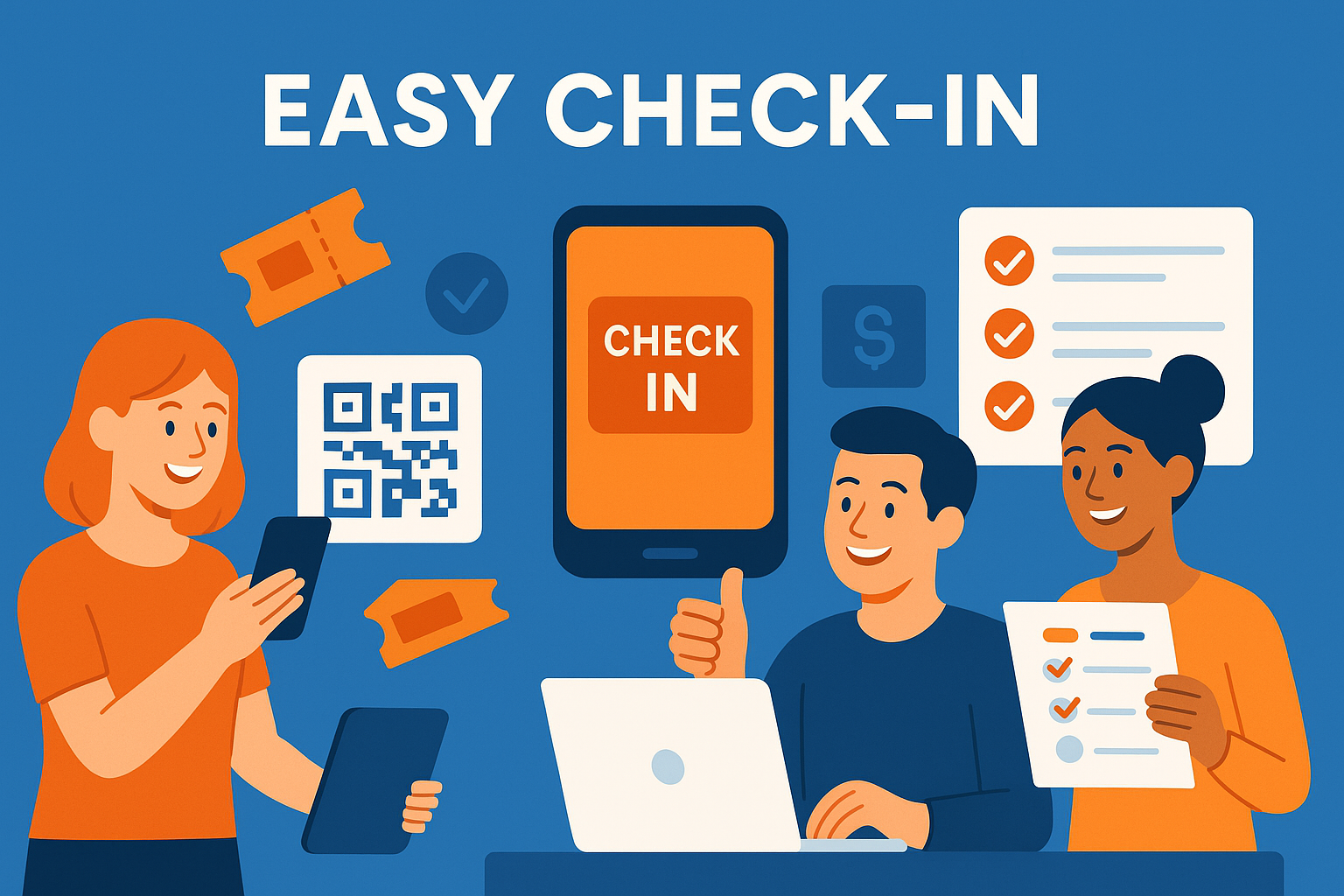
Charity auctions rely heavily on smooth guest arrival and fast bidder onboarding. Whether your event is online, hybrid, or a large in-person gala, ticketing and registration tools determine how quickly guests can enter, find their seats, and begin bidding.
Modern auction platforms combine ticket sales, guest list management, and bidder registration into one workflow. This reduces manual work for organizers and simplifies the experience for attendees. This guide outlines the most important ticketing and registration features for successful charity auctions.
For a full overview of event setup, see the master pillar:
Auction Event Setup and Registration
Streamline Entry
CharityAuctions simplifies ticketing, guest lists, and mobile registration so donors can start bidding the moment they arrive.
Visit CharityAuctions1. Integrated Ticketing That Feeds Directly Into Registration
Ticketing should do more than sell seats—it should prepare guests for the auction before they arrive.
1.1 Auto-Registration for Ticket Buyers
When donors purchase a ticket, the platform should:
- Automatically create their bidder account
- Add them to the guest list
- Assign them to a group, table, or sponsorship package
- Reduce check-in time at the venue
This streamlines the entire arrival experience.
1.2 Ticket Types and Add-Ons
Charity auctions often sell multiple ticket types:
- General admission
- VIP levels
- Sponsor tables
- Drink tickets
- Meal selections
- Raffle add-ons
These need to map cleanly to guest profiles and bidder accounts.
For advanced branding options, see:
Branded ticketing for charity auctions
2. Guest List Management for Large and Small Events
Guest list accuracy is essential for a smooth event.
2.1 Importing Guest Lists
Organizers should be able to upload guest lists from:
- Donor databases
- CRM exports
- Corporate sponsor submissions
- External ticketing platforms
See:
Integrate charity auctions with external ticketing platforms
2.2 Group and Table Assignments
Sponsor tables and corporate groups must be seated together. Strong ticketing tools allow organizers to:
- Assign tables
- Add sub-guests
- Update names as needed
- Merge groups into team bidders
To support collaborative bidding, review:
Group and team bidding in charity auctions
3. Fast, Mobile-First Registration for Donors
Donors often register on their phones, so the registration flow must be frictionless.
3.1 Simple Login Options
Platforms should support:
- SMS verification
- Email login links
- Guest auto-lookup for ticket buyers
3.2 QR Code Registration
At live events, QR codes speed up:
- Check in
- Paddle assignment
- Payment method verification
Mobile-first registration is key to a smooth donor experience. Learn more in:
Manage auction registration and guest lists online
4. Pre-Event Bidding Access Through Registration
Smart ticketing and registration systems give donors early access to:
- Item previews
- Pre-bidding windows
- Livestream links
- Table assignments
This increases engagement before the event starts.
For pre-bidding strategies, visit:
Pre-bidding options for live charity auctions
5. Registration That Supports Hybrid and Online Auctions
Even if your auction is fully online, registration tools must:
- Capture donor identity
- Store payment methods
- Offer mobile-ready bidding access
- Handle remote check in for livestreamed events
For online-only workflows, see:
Run fundraising auctions entirely online
6. Real-Time Updates to Ticketing and Registration Data
Event details change constantly. Strong platforms allow organizers to:
- Update guest names
- Add last-minute attendees
- Edit table assignments
- Correct registration errors
- Add or remove ticket types
Learn more in:
Update auction content in real time
Real-time flexibility prevents check-in bottlenecks and ensures every guest is ready to participate.
Why Strong Ticketing and Registration Matter
Ticketing and registration structure the entire event experience. When optimized, they reduce staff workload, speed up guest arrival, and help donors start bidding immediately. Whether you're running a gala or a fully online auction, these tools ensure every supporter can participate with confidence.
Frequently Asked Questions
Do we need paid ticketing, or is free registration enough for our auction?
Use ticketing for seated galas or capacity control; use free registration for open online auctions. Many platforms support both in one event (tickets for dinner + free bidder signups).
Can we create multiple ticket types like VIP, sponsor tables, or student pricing?
Yes. Add tiers with custom prices, benefits, and inventory limits. Tie sponsor tickets to recognition perks and reserved seating blocks.
Can guests purchase add-ons during ticket checkout (meals, raffle packs, donations)?
Yes. Offer configurable add-ons—meal choices, raffle bundles, merch, and optional donations—so revenue is captured before event day.
Does the system handle seating charts and table assignments for galas?
Yes. You can place guests by table, track meal and accessibility needs, and print table lists or badges from the seating plan.
Can we issue promo codes, comp tickets, or hold inventory for sponsors?
Yes. Create percentage or fixed-amount codes, issue complimentary tickets, and hold blocks of seats that unlock via invite links.
How do couples or groups register so one person pays for everyone?
Use a group checkout: one payer buys multiple tickets and assigns guest names later. Each guest still gets their own bidder link at check-in.
What fields should we require during registration, and can we add custom questions?
Require name, email, and mobile for alerts. Add optional address, dietary needs, accessibility notes, or employer matching questions. Keep the form short to protect conversion.
Should we collect a card on file during registration to speed up checkout?
Yes. Tokenized cards reduce unpaid wins and lines. Use a $0/$1 authorization or small refundable hold for premium events if needed.
How does mobile check-in work on event night, and can we print badges or paddles?
Guests receive a QR code by email/SMS. Staff scan to check in, confirm details, and optionally print badges or paddles on the spot.
Can we set capacity limits and run a waitlist when we sell out?
Yes. Enable capacity per ticket type and collect waitlist contacts. When seats open, send timed invite links to the next people in line.
Do you support refunds, ticket transfers, or guest name changes before the event?
Policies are configurable. Organizers can transfer tickets, update guest details, and issue refunds per your event terms and timelines.
What accessibility practices should our ticketing and registration follow?
Use high contrast, readable fonts, labeled fields, keyboard navigation, and large tap targets. Collect accessibility needs during checkout and include them on seating exports.
How do we prevent fake registrations or card issues before bidding starts?
Use email/phone OTP, AVS/CVV checks, and velocity limits. For high-value tables, require organizer approval or deposits prior to release.
Will registrations and ticket purchases sync to our CRM for follow-ups?
Yes. Platforms typically export or sync contacts, tickets, and add-ons so you can automate thank-yous, receipts, and sponsor reports after the event.
What confirmations and reminders do attendees receive automatically?
Instant email receipts with QR codes, optional SMS confirmations, and timed reminders with event details and personal bidding links.
Which payment methods are supported for ticketing, and can donors cover fees?
Cards and mobile wallets are standard; ACH may be available. Add an optional “cover fees” toggle that updates totals transparently before payment.
Can we include terms, waivers, and consent language in the registration flow?
Yes. Add a short consent checkbox with links to full policies. Receipts should include required organization details and FMV where applicable.
What if Wi-Fi is unreliable—can we still scan tickets and check in guests quickly?
Use dedicated SSIDs and hotspots as backup. Some apps cache recent registrants for temporary offline scanning and sync once the connection returns.
💡 Try this in ChatGPT
- Summarize the article "Ticketing and Registration Features for Charity Auctions" from https://blog.charityauctions.com/ticketing-and-registration-features-for-charity-auctions/ in 3 bullet points for a board update.
- Turn the article "Ticketing and Registration Features for Charity Auctions" (https://blog.charityauctions.com/ticketing-and-registration-features-for-charity-auctions/) into a 60-second talking script with one example and one CTA.
- Extract 5 SEO keywords and 3 internal link ideas from "Ticketing and Registration Features for Charity Auctions": https://blog.charityauctions.com/ticketing-and-registration-features-for-charity-auctions/.
- Create 3 tweet ideas and a LinkedIn post that expand on this help topic using the article at https://blog.charityauctions.com/ticketing-and-registration-features-for-charity-auctions/.
Tip: Paste the whole prompt (with the URL) so the AI can fetch context.
