
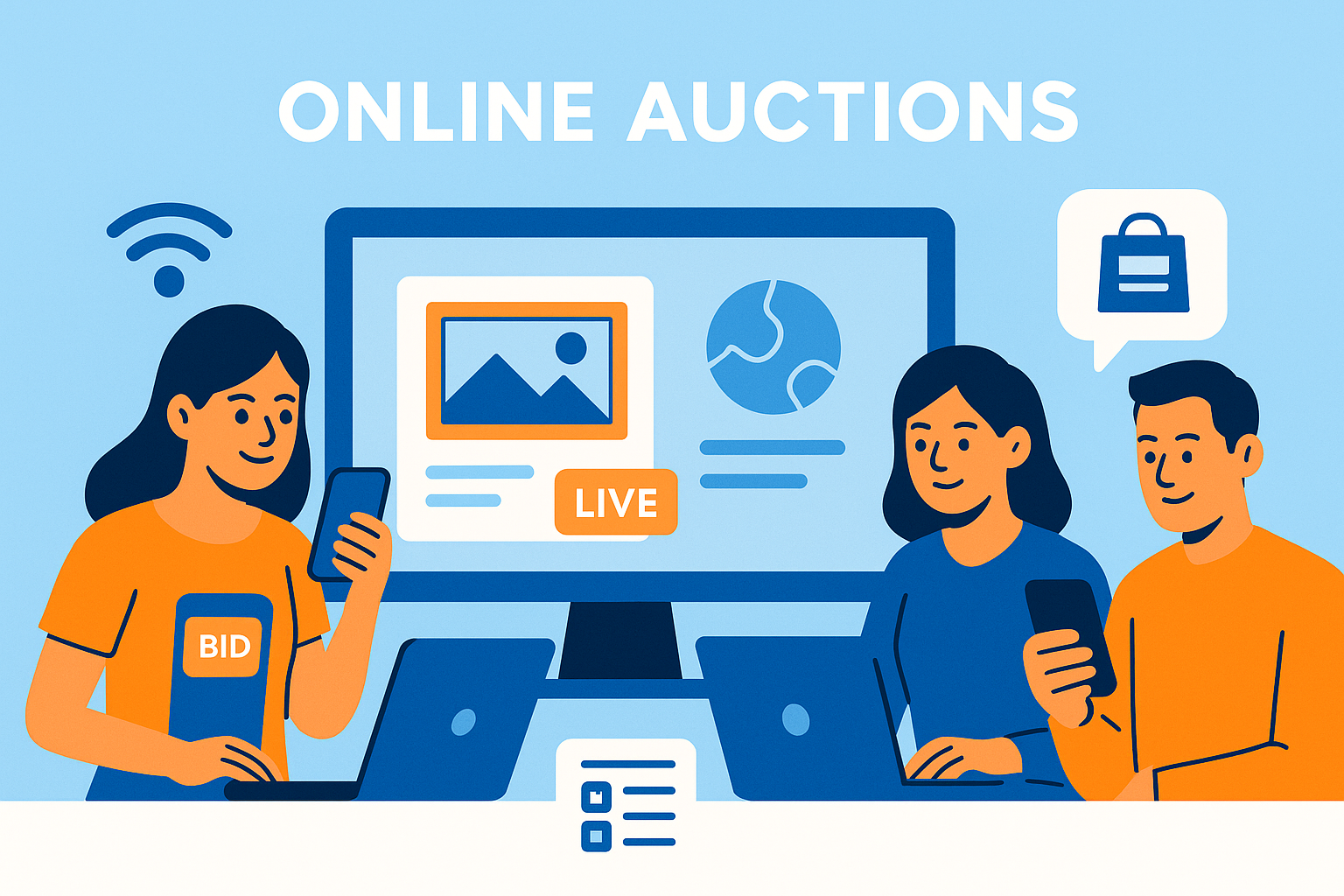
Online fundraising auctions make it possible for nonprofits to reach donors anywhere, reduce event costs, and open bidding to a broader audience. Whether you are hosting a fully virtual auction or adding remote participation to a hybrid event, online formats require tools that simplify registration, mobile bidding, catalog browsing, livestream viewing, and checkout.
Strong online auction platforms make the experience simple for donors and efficient for organizers. They provide clear bidding flows, real time updates, and flexible tools for remote engagement. This guide outlines everything nonprofits need to run online-only and virtual auctions with confidence.
For event setup foundations, see the main pillar:
Auction Event Setup and Registration
Go Fully Online
CharityAuctions gives you mobile bidding, virtual event tools, real time updates, and online checkout so you can run your entire auction digitally.
Visit CharityAuctions1. Setting Up an Online-Only Auction
Online-only auctions remove the need for physical event logistics. This makes setup faster and reduces costs, but requires a strong digital experience.
1.1 Create a Mobile-Optimized Auction Site
Most online participants will browse and bid from their phones. The platform must support:
- Simple item navigation
- Clear bid buttons
- Easy filtering and searching
- Fast image loading
For stronger catalog organization, review:
Organize online charity auctions effectively
1.2 Create a Digital Registration Flow
Online registration should take seconds. Effective flows include:
- Email or SMS login
- Automatic verification links
- Optional identity checks
- Clear confirmation messages
For deeper registration strategies, see:
Manage auction registration and guest lists online
1.3 Set Up Item Categories for Easy Browsing
Categories, tags, and featured items help donors find what they want faster. This increases bidding activity and reduces confusion.
2. Running Virtual and Livestreamed Auctions
Many nonprofits host a livestreamed auction segment or virtual gala program. These events bring the energy of a live auction to an online audience.
2.1 Livestream Integration
Your platform may support:
- Direct livestream embedding
- Third-party integrations (Zoom, YouTube Live, Vimeo)
- Live chat or messaging
- Real time bid updates during the program
This allows donors to follow along and bid from anywhere.
2.2 Virtual Paddle Raise or Fund-a-Need
Even without an in-person crowd, virtual paddle raises remain highly effective. Remote donors can:
- Donate preset amounts
- Enter custom amounts
- Track progress in real time
Timed or rolling virtual giving segments also work well.
2.3 Combining Livestream and Timed Auctions
Hybrid virtual events often include:
- A livestreamed program
- A timed silent auction ending later
- Pre-bidding before the live show begins
For more on combining live and timed formats, see:
Solutions for managing live and timed auctions
3. Pre-Bidding to Build Early Engagement
Online auctions benefit greatly from pre-bidding windows. Pre-bidding:
- Introduces donors to items
- Generates early excitement
- Helps donors set max bids
- Increases final auction revenue
Learn more in:
Pre-bidding options for live charity auctions
4. Marketing and Promotion for Online Auctions
Without an in-person event, digital promotion becomes essential. Best practices include:
4.1 Shareable Auction Links
Make it easy for supporters to send the auction to friends and family.
4.2 Social Media Promotion
Platforms support social share buttons, branded previews, and sponsor visibility.
4.3 Email Announcements
Pre-launch announcements, last-chance reminders, and post-event emails help maximize results.
4.4 QR Codes for Hybrid Events
Even at live events, QR codes can send guests directly to the online auction.
5. Managing Real-Time Updates
Online-only auctions move quickly, and organizers often need to adjust details during the event.
Examples include:
- Updating item descriptions
- Fixing typos
- Adjusting bid increments
- Adding new items
- Extending close times
For a full guide, see:
Update auction content in real time
Real-time control prevents confusion and keeps participants informed throughout the event.
6. Simplifying Online Checkout and Invoicing
Online auctions require frictionless checkout because donors are not physically present to resolve issues.
6.1 Automated Invoices
When the auction closes, invoices should send automatically with:
- Itemized lists
- Payment totals
- Clear calls to action
- Mobile-friendly payment links
6.2 Support for Online Payment Methods
Donors expect options such as:
- Credit and debit cards
- Mobile wallets
- Stored payment methods
6.3 Contactless Pickup Scheduling
For physical items, organizers can send pickup instructions or manage shipping right in the platform.
7. When Online Auctions Work Best
Online and virtual auctions are ideal for:
- National or global supporter bases
- Schools with distributed parent communities
- Organizations with limited event budgets
- Donors who prefer low-pressure bidding
- Events disrupted by weather, travel, or venue issues
Many nonprofits now pair an online silent auction with an in-person gala, giving donors multiple engagement paths.
Frequently Asked Questions
What does it mean to run a fundraising auction entirely online?
All activities—item browsing, bidding, payments, receipts, and winner coordination—happen on a web or mobile platform without an in-person event.
What’s the basic setup checklist for a fully online auction?
Create the event page, connect a payment processor, add items with photos/values, set bid increments and close times, enable receipts, and test registration-to-checkout end-to-end.
Should we require a card on file to register for an online auction?
Yes, it reduces unpaid wins and speeds up checkout. Use tokenized capture with a $0/$1 authorization and clear terms so bidders know when cards are charged.
Do online auctions support max bids (proxy bidding) for convenience?
Yes. Bidders can enter a maximum and the system auto-bids up to that limit using your increment rules—ideal when supporters can’t stay online constantly.
How should we schedule open and close times for an online-only event?
Run 5–10 days for discovery, then use staggered closing (lots closing in waves) to avoid overload and improve fairness and final prices.
How do we prevent last-second sniping in an online auction?
Enable extended bidding so late bids add time to that lot, giving others a fair chance to respond and improving revenue.
What’s the fastest way to collect items and descriptions remotely?
Use a donor submission form or import sheet with required fields (title, FMV, restrictions, photos). Approve submissions and publish in batches for momentum.
How do we drive traffic to a fully online auction without a gala night?
Announce via email, social posts, and ambassador toolkits. Use countdowns, item spotlights, and outbid alerts. Pin the bidding link and add UTM tracking for attribution.
How are payments and tax receipts handled in an online-only setup?
Invoices generate at close, saved cards are charged securely, and receipts email instantly with FMV, organization details, and donor records for year-end statements.
How do we handle item pickup or shipping when there’s no venue night?
Add item notes for pickup windows, shipping fees, and regions served. For certificates, use digital delivery with unique codes and delivery confirmation.
How do we manage bidder questions and support without an on-site team?
Add a visible “Contact Organizer” link, set office hours during final 48–72 hours, and prepare canned responses for common questions (shipping, item specifics, receipts).
What fraud controls are most important for online-only auctions?
Require email/phone OTP, collect card on file, use AVS/CVV checks, and enable velocity limits. Consider deposits or organizer approval for high-value categories.
What accessibility and mobile UX practices increase participation online?
Use readable fonts, high contrast, large bid buttons, captions for videos, and clear error messages. Ensure pages load fast and forms autofill on phones.
Can we include international bidders in an online-only auction easily?
Yes—confirm supported currencies/payment methods, display explicit time zones, and note shipping or duty rules on relevant lots.
What metrics should we watch while the online auction is live?
Track sessions, registrations, bidders per item, outbid alerts sent, items with ≥3 bidders, average bid amount, and revenue by channel using UTM tags.
What should we do after the online auction ends to keep momentum?
Send a recap with totals and impact, spotlight sponsors, survey bidders, and invite supporters to your next campaign or monthly giving program.
💡 Try this in ChatGPT
- Summarize the article "Run Fundraising Auctions Entirely Online" from https://blog.charityauctions.com/run-fundraising-auctions-entirely-online/ in 3 bullet points for a board update.
- Turn the article "Run Fundraising Auctions Entirely Online" (https://blog.charityauctions.com/run-fundraising-auctions-entirely-online/) into a 60-second talking script with one example and one CTA.
- Extract 5 SEO keywords and 3 internal link ideas from "Run Fundraising Auctions Entirely Online": https://blog.charityauctions.com/run-fundraising-auctions-entirely-online/.
- Create 3 tweet ideas and a LinkedIn post that expand on this help topic using the article at https://blog.charityauctions.com/run-fundraising-auctions-entirely-online/.
Tip: Paste the whole prompt (with the URL) so the AI can fetch context.
