
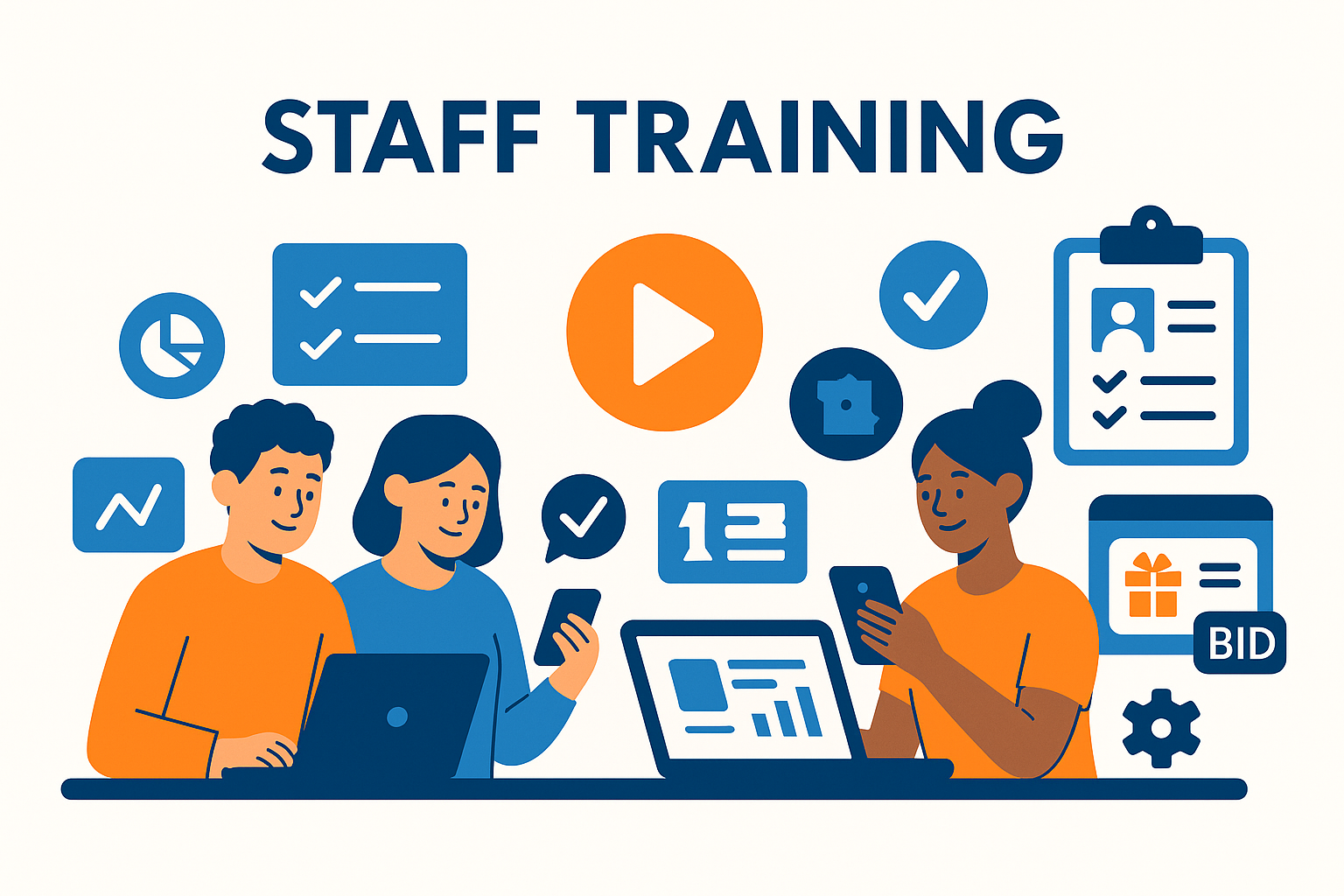
A successful charity auction depends on more than strong software—it requires a team that knows how to use it confidently. Staff and volunteers need to understand registration tools, bidding workflows, item setup, reporting dashboards, and real-time event controls. Without training, mistakes can slow check-in, confuse bidders, or create reporting errors.
Modern auction platforms now provide training resources ranging from onboarding guides to analytics dashboards. This article outlines the most effective ways to train staff and why these resources are critical for long-term fundraising success.
For a complete overview of reporting and analytics strategy, see the main pillar:
Auction Reporting and Analytics Tools
Train Your Team
CharityAuctions provides the tools, tutorials, and dashboards your staff need to run smooth, professional fundraising events every time.
Visit CharityAuctions1. Why Staff Training Matters for Auction Success
When staff and volunteers are trained properly, nonprofits benefit from:
- Faster event setup
- Fewer errors during registration
- Smooth bidder onboarding
- Stronger donor experience
- More accurate reporting
- Higher participation rates
Without training, even the best software cannot deliver strong results.
To see how analytics support strong execution, review:
How to track auction metrics
2. Built-In Training Resources From Auction Platforms
Most modern auction platforms include built-in training materials to help new staff learn quickly.
2.1 Quick-Start Guides
These cover essentials such as:
- Creating items
- Setting bid increments
- Adding photos
- Managing categories
2.2 Video Tutorials
Short videos help staff learn at their own pace and revisit key steps when needed.
2.3 Self-Guided Walkthroughs
Interactive tutorials walk users through the platform step-by-step—ideal for new volunteers.
These materials help teams prepare before event week begins.
3. Training for Registration and Check-In Teams
Check-in is the highest-pressure moment of any in-person event. Teams should practice:
- Looking up guests
- Using QR codes
- Fixing guest information
- Assigning bidder numbers
- Helping donors register on their phones
For deeper registration processes, see:
Manage auction registration and guest lists online
And for ticketing-specific training:
Ticketing and registration features for charity auctions
4. Training for Item Setup and Catalog Teams
Catalog mistakes impact bidding. Staff should learn how to:
- Add and edit items
- Upload photos
- Write clear descriptions
- Organize items into categories
- Adjust starting bids and increments
- Feature high-value items
For ongoing catalog updates during the event, see:
Update auction content in real time
5. Training for Live and Hybrid Auction Teams
Live and hybrid events require additional training:
- Opening and closing items in real time
- Managing bid calls for auctioneers
- Monitoring mobile bidding
- Handling pre-bidding carryover
- Managing both online and in-person participation
For deeper bidding management details, review:
Solutions for managing live and timed auctions
6. Training for Reporting and Analytics
Staff should understand how to read dashboards and reports. This includes:
- Revenue summaries
- Bidder engagement metrics
- Item performance results
- Donor behavior insights
- Cross-event comparisons
Analytics help staff make informed decisions and communicate results clearly.
See more on donor insights in:
Donor analytics in auction platforms
And long-term analysis in:
Tools to analyze bidding trends over multiple auctions
7. Training for Scaling Fundraising Over Time
As nonprofits grow, scalable training becomes essential. Staff should learn:
- How to recreate successful events
- How to reuse templates
- How to interpret historical bidding data
- How to forecast revenue
- How to segment donor groups
To understand how auction software supports scaling, see:
How auction software scales fundraising
8. Training Resources Your Organization Should Provide
Beyond platform-provided tutorials, nonprofits can strengthen training with:
8.1 Internal Checklists
Step-by-step checklists ensure that nothing is missed.
8.2 Run-Through Sessions
Practice events help staff experience the bidder and organizer workflow.
8.3 Screen-Sharing Trainings
A short group training on Zoom can replace hours of individual troubleshooting.
8.4 Role-Specific Guides
Create short guides for:
- Check-in volunteers
- Auctioneers
- Catalog creators
- Reporting managers
- Mobile bidding support staff
8.5 Post-Event Review Meetings
Teams can review analytics to learn what to improve next time.
9. Why Training Improves Long-Term Fundraising Results
Staff and volunteers who feel confident with auction software:
- Make fewer errors
- Guide donors more effectively
- Run smoother events
- Generate better data for reporting
- Strengthen donor experience
- Increase fundraising totals
Training is not a one-time task—it’s part of a long-term strategy for better outcomes.
Frequently Asked Questions
What’s the fastest way to train staff on a new auction platform?
Create a 3-part path: (1) 30–45 min platform tour, (2) role-based checklists with short videos, and (3) a sandbox event for hands-on practice with a pass/fail launch checklist.
Should training be the same for everyone or tailored by role?
Tune content by role: Admins (setup, rules, payments), Content Editors (items, images, descriptions), Check-in Team (QR scanning), Finance (invoices, receipts), and Volunteers (night-of tasks).
Do we need a sandbox or demo event for training new staff and volunteers?
Yes. Clone a template event for practice, enable fake/test payment modes if available, and assign checklists so trainees complete realistic tasks end-to-end.
How long should each training module be to keep people engaged?
Keep videos 3–7 minutes with a single outcome (e.g., “Create a ticket type”). Add a 3–5 item quiz and a 1-page SOP for quick reference.
What job aids should we provide for night-of operations?
Laminated or PDF one-pagers: Check-in flow, QR scanning tips, issue triage (card declined, duplicate record), and escalation contacts with response time targets.
Should we certify users before giving them admin access to the platform?
A light certification helps. Require completion of core modules and a sandbox checklist (create item, register bidder, simulate invoice) before granting higher permissions.
Can we add in-product tours or tooltips so people learn while doing the work?
Yes. Use guided tours, checklists, and contextual “Learn More” links from each screen. Pair with short GIFs for steps like adding items or enabling extended bidding.
How do we train one-night volunteers quickly without overwhelming them?
Give a 20-minute huddle, a role card (2–3 tasks only), a practice scan/check-in drill, and a floor lead to answer questions. Avoid exposing finance settings.
What support structure should we set up for staff during live events?
Create a tiered escalation: Floor Lead → Event Admin → Platform Support. Use a shared chat channel and a simple incident log for post-event review.
How do we track who finished training and keep skills fresh each year?
Host modules in an LMS or shared tracker, record completion dates, and set annual refreshers focused on new features and common errors from last year’s event.
What accessibility practices should our training materials follow?
Add captions and transcripts, readable fonts, high contrast, keyboard-friendly demos, and alt text. Offer print-friendly SOPs and quiet-space practice options.
Which security and privacy topics must be covered in staff training?
Password hygiene, least-privilege access, PII handling, safe use of exports, and payment best practices (AVS/CVV). Include a quick breach/escalation checklist.
Can we support teams across time zones or languages with the same curriculum?
Yes. Provide on-demand modules with subtitles and region-specific SOPs. Schedule two weekly office hours at different times and rotate live Q&A sessions.
How should we roll out training when switching platforms mid-year?
Pilot with one event, gather feedback, refine SOPs, then train the broader team. Keep both systems available briefly with a clear cutover date and support overlap.
How do we know training worked before the big night?
Use a readiness checklist (test QR check-in, sample invoice, refund flow), track quiz scores and sandbox tasks completed, and run a 30-minute live rehearsal with real devices.
What reusable resources help multi-site teams train consistently every season?
A shared training kit: agenda, slides, 10 short videos, SOP pack, sandbox template, role cards, incident log template, and a “first-week comms” email set for organizers.
💡 Try this in ChatGPT
- Summarize the article "Resources to Train Staff on Auction Platforms" from https://blog.charityauctions.com/resources-to-train-staff-on-auction-platforms/ in 3 bullet points for a board update.
- Turn the article "Resources to Train Staff on Auction Platforms" (https://blog.charityauctions.com/resources-to-train-staff-on-auction-platforms/) into a 60-second talking script with one example and one CTA.
- Extract 5 SEO keywords and 3 internal link ideas from "Resources to Train Staff on Auction Platforms": https://blog.charityauctions.com/resources-to-train-staff-on-auction-platforms/.
- Create 3 tweet ideas and a LinkedIn post that expand on this help topic using the article at https://blog.charityauctions.com/resources-to-train-staff-on-auction-platforms/.
Tip: Paste the whole prompt (with the URL) so the AI can fetch context.
