
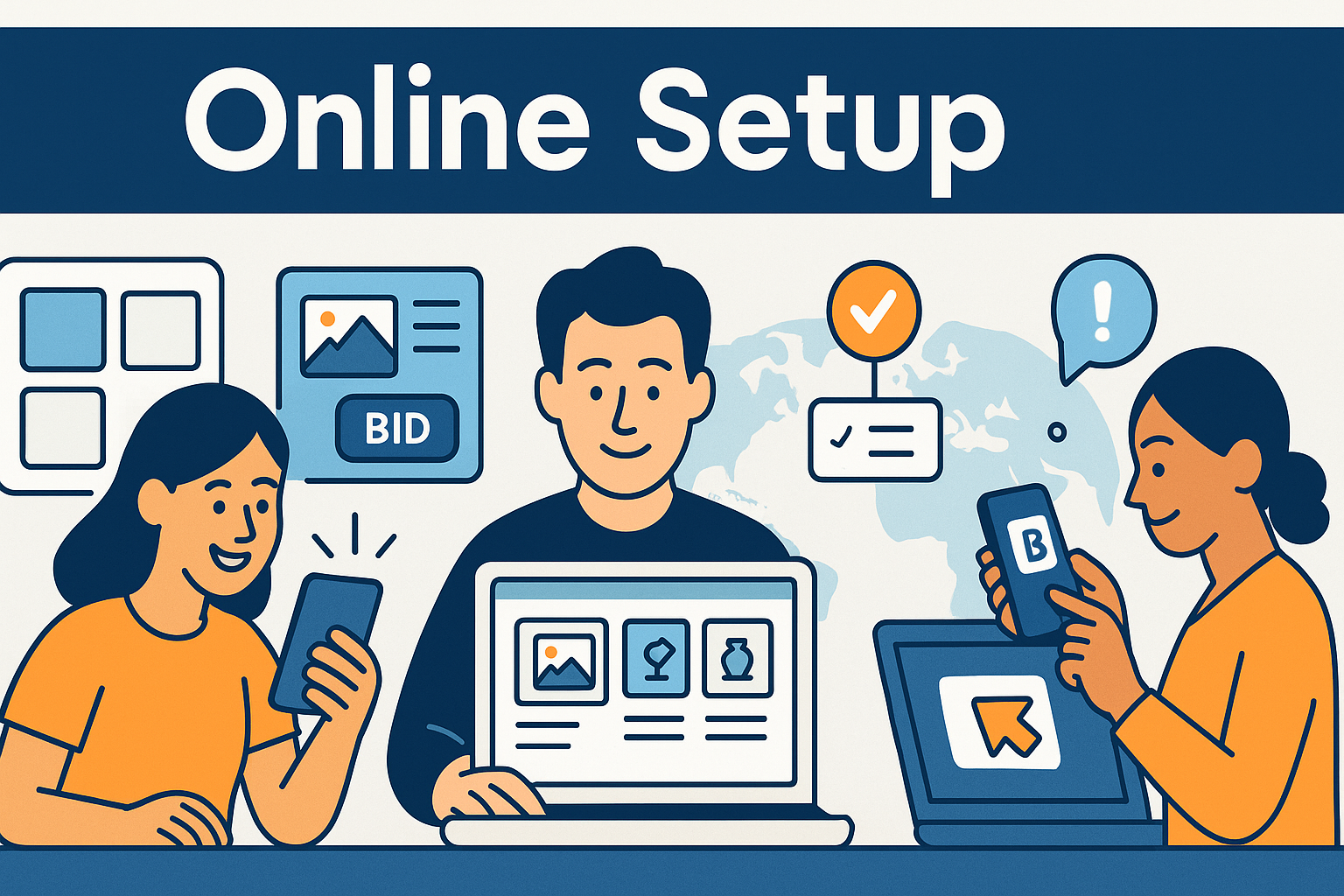
Online charity auctions give nonprofits a scalable way to reach supporters beyond their local community. They’re flexible, cost-efficient, and accessible from any device. But to run a successful online auction, organizations need a strategy for catalog organization, bidder onboarding, promotion, and real-time updates.
This guide covers the essential steps to organizing a strong online auction that keeps donors engaged and ready to bid.
For a complete overview of the full event setup process, see the main pillar:
Auction Event Setup and Registration
Organize With Ease
CharityAuctions gives you mobile bidding, catalog tools, pre-bidding features, and real-time updates so you can run a seamless online auction.
Visit CharityAuctions1. Build a Clear and Engaging Item Catalog
The item catalog is the centerpiece of your online auction.
1.1 Use Categories and Tags
Organize items into:
- Categories
- Tags
- Featured sections
- Sponsor highlights
Clear navigation improves donor engagement and keeps visitors browsing longer.
1.2 Add High-Quality Photos and Descriptions
Strong visuals matter more online than at in-person events. Include:
- Multiple item photos
- Clean, well-lit images
- Clear descriptions
- Donor recognition where appropriate
1.3 Correct Items as Needed During the Event
Because online auctions move quickly, organizers must be able to update items instantly.
Learn more in:
Update auction content in real time
2. Set Up Easy Online Registration
2.1 Mobile-Optimized Registration
A large portion of bidders will join on mobile. Registration should support:
- SMS login
- One-click verification links
- Auto-fill options
- Fast identity confirmation
For more registration strategies, see:
Manage auction registration and guest lists online
2.2 Auto-Registration From Ticketing
If your event includes ticketing or sponsorship sales, those guests should automatically be added to the online auction.
See:
Ticketing and registration features for charity auctions
3. Enable Pre-Bidding to Build Early Momentum
Pre-bidding lets supporters start participating before the auction officially opens.
3.1 Early Access to the Catalog
Allow guests to:
- Browse items
- Set favorites
- Place early bids
- Understand opening bid levels
3.2 Max Bidding
Max bidding makes early participation more convenient for donors who may not be online when the auction heats up.
For deeper insight, visit:
Pre-bidding options for live charity auctions
4. Promote Your Online Auction Effectively
To maximize participation, nonprofits should promote their online auction across multiple channels.
4.1 Email Announcements
Use email marketing to share:
- Launch dates
- Auction previews
- Sponsor highlights
- Closing reminders
4.2 Social Media
Supporters often share digital auctions with friends, helping expand reach.
4.3 QR Codes
QR codes can link directly to the catalog for hybrid events or in-person promotions.
5. Support Mobile Bidding From Any Device
Online auctions succeed when the mobile experience is fast and intuitive.
5.1 Simple Bid Buttons
Donors should be able to place bids in one or two taps.
5.2 Real-Time Notifications
Instant outbid alerts keep donors engaged.
5.3 Clean Item Pages
Pages should display:
- Current bid
- Bid history
- Item details
- High-quality photos
To understand how mobile bidding fits into hybrid and live formats, see:
Solutions for managing live and timed auctions
6. Run Hybrid Online + Livestream Components If Needed
Some online auctions include livestreamed segments, such as:
- Virtual paddle raises
- Auctioneer-led segments
- Sponsor messages
- Live item spotlights
For platforms that support livestreaming and full online participation, review:
Run fundraising auctions entirely online
7. Keep Your Online Auction Updated During the Event
Organizers may need to:
- Adjust bid increments
- Add new items
- Fix descriptions
- Extend the closing time
- Hide sold-out items
Online platforms that support real-time updates make your event more resilient.
Learn more in:
Update auction content in real ti
8. Handle Online Checkout Smoothly
Once the auction closes, winners must be able to pay immediately. Strong online checkout tools should support:
- Automatic invoices
- Mobile payments
- Clear pickup or shipping instructions
Seamless checkout increases payment completion rates and reduces admin work later.
Why Organization Matters for Online Auctions
Strong organization is essential for online events because donors:
- Rely heavily on mobile navigation
- Expect a smooth, intuitive interface
- Need clear bidding and payment flows
- Want real-time updates and communication
- Engage more when pre-bidding and promotion are done well
With the right structure, online auctions can outperform many in-person events.
Frequently Asked Questions
What does it mean to “organize an online charity auction effectively”?
It means planning the timeline, sourcing items, configuring bidding rules, marketing to the right audience, and running smooth registration, payments, and fulfillment—all optimized for the web and mobile.
What’s a simple timeline for an online auction from idea to wrap-up?
Week 1–2: goals, platform, item outreach. Week 3–4: build pages, add items, soft launch. Week 5–6: live bidding (5–10 days). Week 7: payments, pickup/shipping, thank-yous, and post-event report.
How do we choose the right mix of items to maximize bids online?
Prioritize experiences, local favorites, and mid-price items with broad appeal. Add a few premium lots and clearly list any restrictions or blackout dates.
What makes an online item page convert more viewers into bidders?
Use multiple high-quality photos, a concise benefit-focused description, clear FMV and restrictions, and a bold “Bid Now” button above the fold.
How should we set bid increments and reserves for online bidding?
Use tiered increments that grow with price; keep jumps intuitive. Add reserves sparingly to protect value without discouraging early bids.
Should we enable proxy (max) bids and extended bidding online?
Yes. Proxy bids increase convenience; extended bidding prevents last-second sniping so winners are determined by willingness to pay, not timing luck.
How do staggered closes improve the online auction experience?
Close small groups of items in waves (every 2–5 minutes). It reduces bidder overload, increases visibility per lot, and typically raises final prices.
Should we require a card on file for online registration to bid?
Yes—tokenized cards reduce unpaid wins and speed checkout. Use a $0/$1 authorization and clear terms about when charges occur.
What notifications keep online bidders engaged without spamming them?
Enable outbid alerts, watchlist updates, and closing-time reminders. Limit frequency; focus on the last 24–72 hours when activity spikes.
How should we market an online auction for maximum turnout and bids?
Use email sequences, social countdowns, and ambassador toolkits. Pin the bidding link, add UTM parameters, and spotlight 5–10 hero items throughout the run.
What accessibility and mobile UX practices matter most online?
Readable fonts, high contrast, large bid buttons, captions on videos, and fast-loading pages. Keep instructions short and forms autofill-friendly.
Which fraud controls should we enable for an online-only auction?
Email/phone OTP, AVS/CVV checks, velocity limits, and deposits for premium items. Require organizer approval for suspicious accounts.
How should we handle shipping, pickup, and digital delivery after close?
Add item notes with pickup windows, shipping fees, and regions served. For certificates, use digital delivery with unique codes and confirmed receipt.
What should online receipts include for donor records and tax purposes?
Organization details, item list, amount paid, FMV, and date. Provide clean exports for year-end statements and keep a consistent receipt format.
Which metrics should we monitor while the auction is live online?
Sessions, registrations, bidders per item, items with ≥3 bidders, average bid amount, outbid alert response, and revenue by channel (via UTM tags).
What should we do after the online auction ends to keep momentum going?
Send recaps and impact stats, thank sponsors, survey bidders, and invite supporters to your next campaign or monthly giving. Note top-performing categories for future events.
💡 Try this in ChatGPT
- Summarize the article "Organize Online Charity Auctions Effectively" from https://blog.charityauctions.com/organize-online-charity-auctions-effectively/ in 3 bullet points for a board update.
- Turn the article "Organize Online Charity Auctions Effectively" (https://blog.charityauctions.com/organize-online-charity-auctions-effectively/) into a 60-second talking script with one example and one CTA.
- Extract 5 SEO keywords and 3 internal link ideas from "Organize Online Charity Auctions Effectively": https://blog.charityauctions.com/organize-online-charity-auctions-effectively/.
- Create 3 tweet ideas and a LinkedIn post that expand on this help topic using the article at https://blog.charityauctions.com/organize-online-charity-auctions-effectively/.
Tip: Paste the whole prompt (with the URL) so the AI can fetch context.
