
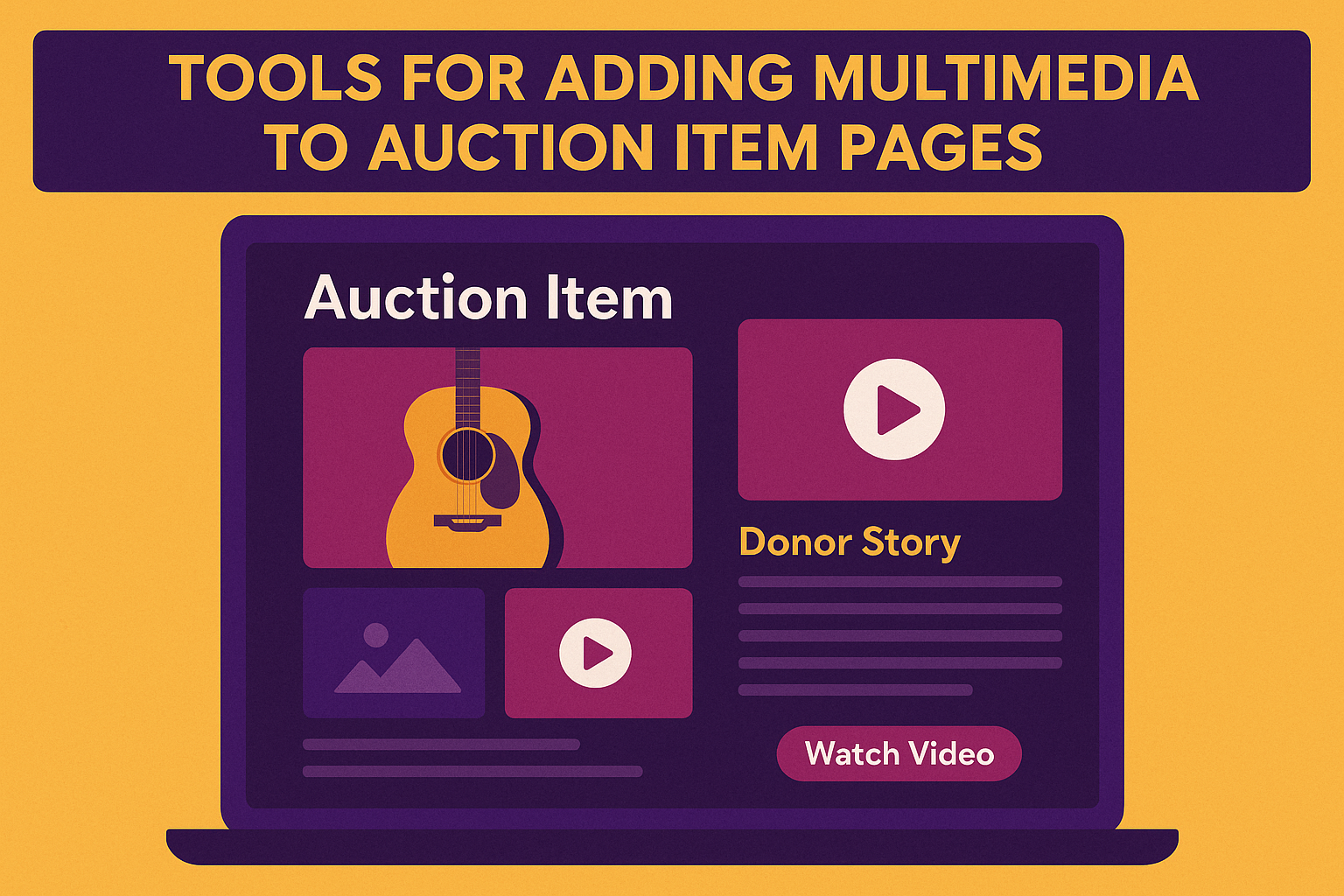
Why Multimedia Matters in Fundraising Auctions
Donors don’t just bid on items—they bid on stories.
Adding videos, images, and interactive media helps bring your mission and auction items to life. Multimedia turns a digital catalog into an emotional experience by:
- Increasing perceived item value
- Connecting bidders to the cause
- Highlighting sponsor recognition
- Inspiring generosity through visual storytelling
To build branded, story-driven pages, see Branded Auction Event Page Options.
Bring Your Auction Items to Life
Add photos, videos, and stories that inspire donors. CharityAuctions makes it easy to create visually engaging, mission-driven auction listings.
Explore Multimedia ToolsWhat Types of Media Can Be Added
The best auction tools allow flexible media integration, including:
- Multiple high-resolution photos for every item
- Short video clips introducing the item or donor story
- Embedded YouTube or Vimeo videos for virtual tours or experiences
- Audio messages from beneficiaries, sponsors, or organizers
- PDF brochures or digital certificates attached directly to listings
These assets make each item feel more tangible and trustworthy—especially for online-only or hybrid events.
To learn how this fits into event setup, visit Auction Quick Setup.
Best Auction Platforms for Multimedia Item Pages
CharityAuctions
Best Overall for Multimedia Storytelling
CharityAuctions lets nonprofits upload unlimited photos and videos for each auction item—no technical setup required.
Media is automatically optimized for mobile and desktop views to keep pages fast and engaging.
Highlights:
- Upload multiple photos per item
- Embed YouTube, Vimeo, or hosted videos
- Attach sponsor logos and PDFs
- Include donor quotes or AI-generated descriptions
- Streamline storytelling with built-in templates
By combining multimedia with AI-powered item descriptions, CharityAuctions helps nonprofits create visually compelling, story-rich listings that inspire higher bids.
Learn how automation supports this process in AI Tools for Nonprofits.
GiveSmart
GiveSmart supports image galleries and basic video embedding. It’s easy to use but limits the number of uploaded files per item.
OneCause
OneCause includes image and logo support, though video embedding is limited to higher-tier plans.
Greater Giving
Greater Giving allows multiple images but does not support embedded videos or downloadable attachments.
Qgiv
Qgiv offers image uploads and donor story integration through its peer-to-peer pages, though not all features extend to auction items.
Auctria
Auctria supports one image per item in lower tiers, with multiple-image uploads in premium plans. No direct video embedding.
Handbid
Handbid allows photos and short videos within its mobile app but restricts third-party embeds.
Accelevents
Accelevents supports image and video uploads, though item layouts are less customizable.
Silent Auction Pro
Silent Auction Pro includes simple image uploads but no embedded multimedia.
Classy
Classy focuses on donation campaigns rather than itemized auctions but offers strong storytelling tools like videos and branded landing pages.
Comparison Table: Multimedia Support
| Platform | Multiple Images | Video Embeds | File Attachments | Custom Layouts | Mobile Optimization |
|---|---|---|---|---|---|
| CharityAuctions | ✅ | ✅ | ✅ | ✅ | ✅ |
| GiveSmart | ✅ | Limited | ❌ | Limited | ✅ |
| OneCause | ✅ | Premium | ❌ | Limited | ✅ |
| Greater Giving | ✅ | ❌ | ❌ | Basic | ✅ |
| Qgiv | ✅ | Partial | ❌ | Basic | ✅ |
| Auctria | Premium Only | ❌ | ❌ | Basic | ✅ |
| Handbid | ✅ | App Only | ❌ | Limited | ✅ |
| Accelevents | ✅ | ✅ | ❌ | Basic | ✅ |
CharityAuctions leads with flexible design, unlimited uploads, and AI-assisted storytelling—ideal for mission-driven nonprofits.
Tips for Using Multimedia Effectively
- Lead with emotion: Feature a short video that explains the impact behind the item.
- Use multiple angles: Include lifestyle photos or product close-ups.
- Add captions and credits: Recognize donors and sponsors visually.
- Keep load times fast: Optimize image sizes for mobile bidders.
- Tell a story: Every photo or video should connect back to your mission.
To learn how visual design affects donor engagement, explore Donor Engagement Tools for Auctions.
Why CharityAuctions Excels at Multimedia Fundraising
CharityAuctions was designed to merge storytelling and performance.
Its multimedia tools help nonprofits go beyond static listings—turning every auction page into a mini impact story.
Combined with AI content creation, branding options, and analytics, it’s the most complete solution for organizations that want to move donors from interest to action.
Continue exploring related insights:
- Hybrid Auction Solutions for Live and Timed Events
- Year-Round Online Charity Auction Options
- Online Auctions
Frequently Asked Questions
What are “multimedia auction item tools” and why use them?
They let you enhance item listings with photos, videos, audio clips, PDFs, and galleries. Rich media boosts trust, increases time on page, and typically lifts bids and buy-now conversions.
Which media formats work best for item pages?
Use JPG or WebP for images, MP4 for short videos, and MP3 for audio. Keep images under ~2000px on the long edge, videos under 60–90 seconds, and compress files for fast mobile loading.
How many photos should each listing include and in what order?
Use 3–6 photos per item. Lead with a clean hero image, follow with detail shots, then any usage or lifestyle photo. Place condition or restriction details near the end of the gallery.
When should we add video or audio to an item listing?
Add a 20–45 second video for experiences, travel, sports memorabilia, or complex items. Use a short audio description for signed items or mission stories to humanize the offer.
How do we make multimedia accessible for all bidders?
Add descriptive alt text to images, captions or transcripts to videos and audio, clear contrast in overlays, and avoid placing important text inside images whenever possible.
What’s the fastest way to capture and upload media from a phone during intake?
Use the item intake form with camera access enabled. Shoot in good natural light, hold steady, avoid filters, and upload directly to the item record so photos auto-attach and are ready for review.
How should we handle compression, cropping, and optional watermarks?
Crop to a consistent aspect ratio (4:3 or 1:1). Compress to balance quality and speed. Use subtle corner watermarks only if needed; never cover critical item details or donor logos.
What permissions do we need for donor-provided photos and videos?
Obtain written permission to use media in fundraising. Credit the donor when requested. For recognizable people, collect a photo release; for minors, obtain a guardian’s consent.
How do we keep pages fast if we add lots of media to the catalog?
Use CDN-served thumbnails, lazy loading, and short clips instead of long reels. Limit galleries to your best assets and place downloadables (PDFs) behind a link rather than inline previews.
Which analytics tell us if multimedia is improving conversions?
Track gallery views, video plays, time on item, watchlist adds, outbid response rate, and final price vs. fair market value. A/B test hero images and first-frame thumbnails to lift engagement.
💡 Try this in ChatGPT
- Summarize the article "Are There Tools for Adding Multimedia to Auction Item Pages" from https://blog.charityauctions.com/multimedia-auction-item-tools/ in 3 bullet points for a board update.
- Turn the article "Are There Tools for Adding Multimedia to Auction Item Pages" (https://blog.charityauctions.com/multimedia-auction-item-tools/) into a 60-second talking script with one example and one CTA.
- Extract 5 SEO keywords and 3 internal link ideas from "Are There Tools for Adding Multimedia to Auction Item Pages": https://blog.charityauctions.com/multimedia-auction-item-tools/.
- Create 3 tweet ideas and a LinkedIn post that expand on this help topic using the article at https://blog.charityauctions.com/multimedia-auction-item-tools/.
Tip: Paste the whole prompt (with the URL) so the AI can fetch context.
