
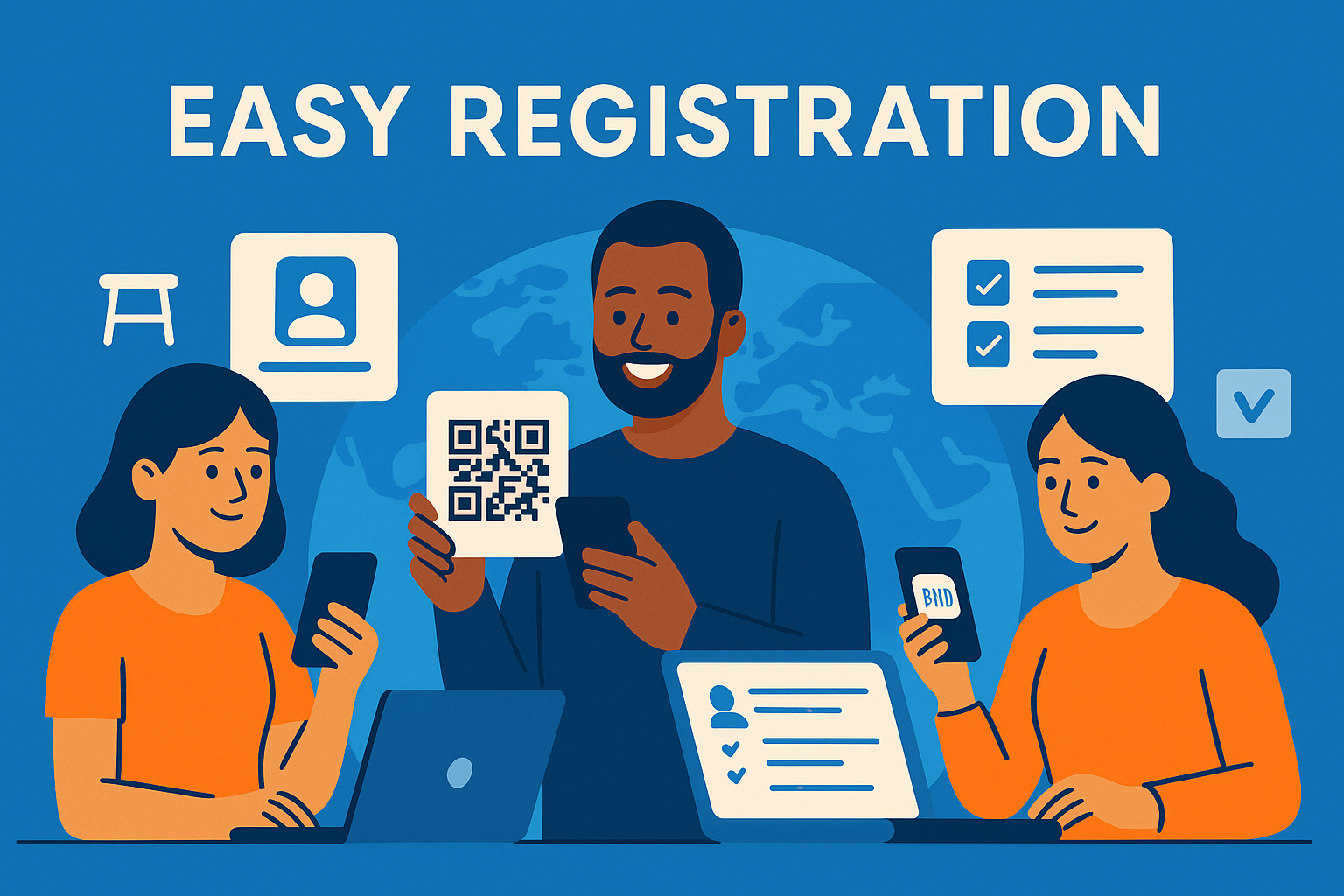
Registration and guest list management are two of the most important components of a seamless auction experience. When these workflows are handled online—long before guests arrive—nonprofits reduce check-in delays, minimize manual data entry, and ensure every attendee is ready to bid immediately.
This is especially critical for gala events, hybrid auctions, and online-only fundraisers, where donor expectations for speed and simplicity are high. The right tools unify ticketing, seating, guest imports, group management, and bidder onboarding into one workflow.
For broader pre-event planning, see the master pillar:
Auction Event Setup and Registration
Faster Guest Onboarding
CharityAuctions streamlines online registration, guest lists, tickets, and mobile check-in so donors can start bidding immediately.
Visit CharityAuctions1. Online Registration That Reduces Bottlenecks
1.1 Mobile-First Registration
Donors often register on their phones, so registration should be:
- Simple
- Fast
- Frictionless
- Pre-filled wherever possible
Strong registration flows include SMS login links, email verification, and automatic profile creation for ticket buyers.
See more in:
Ticketing and registration features for charity auctions
1.2 Auto-Registration for Ticket Buyers
When guests purchase tickets, the platform should:
- Automatically create bidder profiles
- Add guests to the event guest list
- Assign guests to seats or groups
- Reduce check-in lines at the venue
This eliminates manual work for staff and simplifies donor onboarding.
2. Digital Guest Lists With Accurate, Real-Time Data
Guest lists often change frequently leading up to an event. Online tools keep everything clean and up to date.
2.1 Importing Guests From Other Systems
Organizers should be able to import guest data from:
- Spreadsheets
- Donor databases
- CRM exports
- External ticketing platforms
For help using outside ticketing systems, see:
Integrate charity auctions with external ticketing platforms
2.2 Sponsor Table and Group Management
Corporate sponsors often purchase full tables or group tickets. Registration tools should allow:
- Adding multiple guests under one sponsor
- Assigning seats and tables
- Editing guest names anytime
- Enabling group bidding
For more on collaborative bidding support, visit:
Group and team bidding in charity auctions
3. QR Code and Fast Check-In Tools
Guest arrival is where strong registration tools make the biggest impact.
3.1 QR Code Entry
Guests scan a QR code at check-in to:
- Verify registration
- Confirm ticket purchases
- Add missing information
- Access mobile bidding instantly
3.2 Volunteer Check-In Stations
Volunteers should be able to:
- Look up guests by name or ticket
- Assign bidder numbers
- Update guest profiles
- Capture payment methods
These tools keep lines moving during busy arrival periods.
For more gala-focused tools, review:
Best auction platforms for gala events
4. Preparing Guests for Bidding Before the Event
Registration isn’t just about entering the venue—it’s also about preparing donors to participate.
4.1 Pre-Event Catalog Access
Registered guests can:
- Browse items early
- Set favorites
- Place pre-bids
- Learn event rules
For more on pre-bidding, see:
Pre-bidding options for live charity auctions
4.2 Online-Only and Hybrid Access
Even for fully online or hybrid events, digital registration ensures a consistent experience for all guests.
See:
Run fundraising auctions entirely online
5. Keeping Registration and Guest Lists Updated
Events change quickly. Tools must support real-time edits.
Organizers often need to:
- Add or remove guests
- Update table assignments
- Correct misspelled names
- Transfer tickets
- Assign additional seats
- Update contact information
Platforms that support real-time updates prevent issues during check-in and eliminate the need for reprinting lists.
For full flexibility guidance, review:
Update auction content in real time
6. Why Online Registration and Guest List Management Matter
When managed properly, online registration and guest list workflows:
- Reduce arrival lines
- Speed up bidder activation
- Increase pre-event engagement
- Improve donor satisfaction
- Reduce staff workload
- Prevent errors in seating or ticket assignments
- Support hybrid and online event formats
A smoother start creates higher participation throughout the auction.
Frequently Asked Questions
What does it mean to manage auction registration and guest lists online?
You collect attendee details, sell tickets or accept RSVPs, assign seats, and track check-in through one web-based system—no spreadsheets or paper sign-in sheets required.
Which registration methods can we offer to guests and bidders?
You can use paid ticketing, free RSVP, private invite links, organizer-entered registrations, and at-door signups via QR code—all feeding into the same guest list.
What fields should we require at registration, and can we add custom questions?
Require name, email, and mobile for confirmations and alerts. Add optional address, dietary needs, accessibility requests, employer matching, or pledge preferences as custom questions.
How do couples and group buyers register so one person pays for everyone?
Use group checkout: one payer purchases multiple tickets and assigns guest names later. Each guest gets a unique bidder link and check-in QR code automatically.
Can we import an existing guest list and avoid duplicates in the database?
Yes. Upload CSVs or sync from your CRM. The system can dedupe by email/phone and merge records so each person only appears once on your guest and bidder lists.
Does the platform support seating charts and table assignments for galas?
Yes. You can place guests by table, capture meal choices, and print table lists or badges. Updates sync to the guest profile and night-of check-in view.
Should we collect a card on file during registration to reduce unpaid wins?
Yes. Tokenized cards speed up checkout and minimize unpaid invoices. Use a $0/$1 authorization or small refundable hold for premium events if necessary.
How do QR codes improve check-in and line control at the door?
Guests receive a personal QR code by email/SMS. Staff scan to check in instantly, verify details, and hand out badges or paddles—no alphabetized binders required.
Can we enforce capacity limits and run an automated waitlist when we sell out?
Yes. Set per-ticket or total capacity, collect waitlist signups, and send timed invite links when seats free up so you always fill the room.
Do you support ticket transfers, name changes, or refunds before the event?
Yes—organizers can update guest names, transfer tickets, and process refunds according to your published event policy and timelines.
What confirmations and reminders do registrants receive automatically?
Guests receive instant email receipts (and SMS if enabled) with event details and a personal bidding/check-in link, plus reminder messages near opening and close.
How do we make the registration and check-in experience accessible to all guests?
Use high contrast, clear labels, large tap targets, keyboard navigation, and screen-reader friendly inputs. Collect accessibility needs in custom questions at checkout.
How do we prevent fake registrations or card problems before bidding starts?
Enable email/phone OTP, AVS/CVV checks, and basic velocity limits on account creation. For premium tables or VIPs, use organizer approval or deposits.
Will registrations and guest data sync to our CRM for follow-ups and receipts?
Yes. Sync or export contacts, tickets, and add-ons to trigger segmented thank-yous, tax receipts, and sponsor reports after the event.
What tools do staff and volunteers use to manage the guest list on event night?
A live guest list shows status (registered, checked in, no-show), table, and balance. Role-based logins limit access to just what each volunteer needs to do their job quickly.
Which analytics help us improve registration and attendance next time?
Track sales by ticket type, registration conversion rate, check-in speed, no-show rate, mobile vs. desktop signups, and UTM-tagged sources to see which channels drove the most attendees.
💡 Try this in ChatGPT
- Summarize the article "Manage Auction Registration and Guest Lists Online" from https://blog.charityauctions.com/manage-auction-registration-and-guest-lists-online/ in 3 bullet points for a board update.
- Turn the article "Manage Auction Registration and Guest Lists Online" (https://blog.charityauctions.com/manage-auction-registration-and-guest-lists-online/) into a 60-second talking script with one example and one CTA.
- Extract 5 SEO keywords and 3 internal link ideas from "Manage Auction Registration and Guest Lists Online": https://blog.charityauctions.com/manage-auction-registration-and-guest-lists-online/.
- Create 3 tweet ideas and a LinkedIn post that expand on this help topic using the article at https://blog.charityauctions.com/manage-auction-registration-and-guest-lists-online/.
Tip: Paste the whole prompt (with the URL) so the AI can fetch context.
