
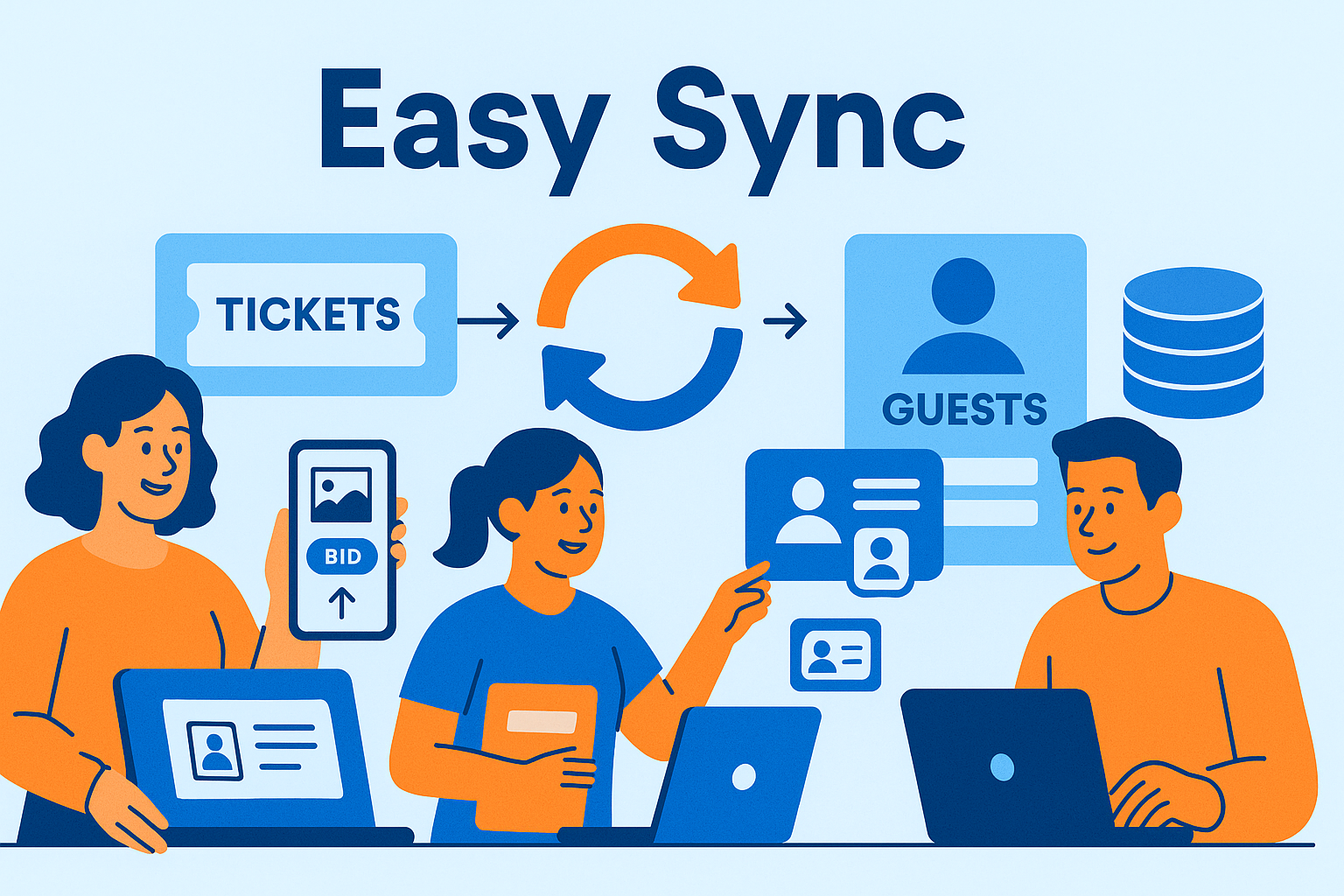
Many nonprofits use external ticketing systems—such as Eventbrite, Greater Giving, Classy, Zeffy, or their own CRM—to sell gala tickets, manage sponsor tables, or track guest information. When it’s time to run the auction, all of that guest data needs to flow smoothly into the auction platform so donors can check in, receive bidder numbers, and start bidding with no delays.
Effective integration prevents manual data entry, eliminates errors, and ensures guests receive a consistent experience from ticket purchase to bidding. This guide outlines how nonprofits can successfully integrate their charity auction with outside ticketing tools.
For a complete overview of event setup and registration, see the core pillar:
Auction Event Setup and Registration
Connect Your Systems
CharityAuctions makes it easy to sync guests, tickets, tables, and sponsors from external systems so your event runs smoothly.
Visit CharityAuctions1. Why Integrating External Ticketing Systems Matters
1.1 Reduce Manual Data Entry
Without integration, staff must manually:
- Copy guest names
- Add emails and phone numbers
- Assign ticket types and tables
- Register guests as bidders
This is slow and prone to mistakes. Integration automates the entire flow.
1.2 Keep Guest Information Accurate
Ticketing data often changes leading up to the event. Integrations allow:
- Name updates
- Table changes
- Guest substitutions
- Contact information edits
Accurate data means smoother check-in and fewer problems at the venue.
2. What Information Should Sync From External Ticketing Tools
A strong integration should pull in:
- Guest names
- Email addresses
- Phone numbers
- Ticket types
- Sponsorship packages
- Table assignments
- Sub-guests and plus-ones
- Special accommodations or notes
For more on guest list management, see:
Manage auction registration and guest lists online
3. Automatically Register Guests as Bidders
Once guest information is imported, the auction platform should:
- Create bidder accounts automatically
- Assign bidder numbers
- Link guests to their table or group
- Enable mobile bidding right away
This eliminates the need for donors to register twice.
For a deeper look at streamlined registration, review:
Ticketing and registration features for charity auctions
4. Support for Sponsor Tables and Group Ticketing
External ticketing systems often handle:
- Corporate sponsor tables
- Multi-seat packages
- VIP groups
- Tables with sub-guest lists
During import, these should map into the auction platform so groups can:
- Sit together
- Share bidder access if needed
- Have correct table assignments
- Manage sub-guests easily
Group bidding features can further enhance participation.
See:
Group and team bidding in charity auctions
5. Use External Ticketing With Online or Hybrid Auctions
Integrations also support hybrid and online-only events.
5.1 Online Auctions
Imported guests should receive automatic access to:
- Mobile bidding
- Pre-bidding windows
- Item previews
Learn more about online auctions in:
Run fundraising auctions entirely online
5.2 Hybrid or Virtual Events
When livestreaming or remote participation is included, integration ensures every imported guest receives the correct access.
6. Real-Time Updates and Flexibility
Because ticket sales continue until the event begins, integrations should support ongoing imports or syncing.
Organizers may need to:
- Add late registrants
- Fix guest name spellings
- Update table assignments
- Remove cancelled attendees
Auction platforms must allow real-time changes without breaking guest lists.
For more flexibility, see:
Update auction content in real time
7. How Guest Imports Improve the Event Experience
When ticketing and auction systems work together:
- Check-in lines move faster
- Guests enter the event already registered
- Staff handle fewer manual corrections
- Donors begin bidding immediately
- Sponsor tables run more smoothly
- Guests feel more confident and prepared
A consistent, unified experience improves both participation and revenue.
Frequently Asked Questions
Why would we integrate our charity auction with an external ticketing platform?
Integration lets you sell tickets where your audience already buys while syncing attendee data, seating, and sponsorships to your auction for faster check-in and bidding.
What integration models are typically supported—linking, syncing, or embedding?
You can deep-link between systems, use one-way or two-way syncs for attendees and orders, or embed auction widgets on your ticketing site for a seamless journey.
Which data points usually sync from ticketing into the auction platform?
Buyer and guest names, emails, phones, ticket types, table/seat notes, and promo codes. Optional fields: dietary needs, accessibility, employer, and sponsorship details.
How are payers and their guests mapped when one person buys multiple tickets?
The buyer is stored as the payer; each guest is created as a unique attendee/bidder with their own check-in QR and bidding link, tied back to the original order ID.
Can guests jump from the ticketing confirmation into the auction without logging in again?
Yes—use secure magic links or SSO-style tokens in confirmation emails/SMS so attendees land on their personal bidder page already recognized.
Is the attendee sync real-time or on a schedule, and how often does it run?
Most integrations support near real-time webhooks plus periodic batch sync (e.g., every 5–15 minutes). You can also trigger a manual “Sync Now” before doors open.
Do table assignments and seating notes carry over from the ticketing platform?
Yes—mapped fields push table numbers, seat labels, and special notes into the auction guest list so check-in and on-site materials match your plan.
How do promo codes, comp tickets, and sponsor holds behave after sync to the auction?
The auction reflects the final ticketing outcome—comp status, sponsor allocations, and held seats—so guest access and perks align with what was sold or assigned.
Who processes payments, and where do attendees find receipts when systems are integrated?
Ticket revenue is processed by the ticketing provider; auction invoices are processed by the auction platform. Each system issues its own receipt with clear line items and totals.
If we issue a refund or transfer in ticketing, does the change reflect in the auction guest list automatically?
Yes, when supported fields are mapped. The sync updates guest records, replacing or removing the attendee and freeing tables or seats as needed.
Will ticketing QR codes work at the auction check-in desk, or do guests need new codes?
Many setups send an auction-specific QR at sync time or at reminder send. If using ticketing QR, map the code to the guest record so staff can scan once and admit.
Can we map custom questions from ticketing (e.g., meal choice, accessibility) into bidder profiles?
Yes. Create field mappings for custom attributes so staff see key notes during check-in, seating, and post-event stewardship.
How do we track channels if ticketing and auction traffic both use marketing links?
Use UTMs consistently in both tools and include the source in sync’d records. Compare conversion and revenue per channel across “Tickets Sold” and “Auction Revenue.”
How do we manage privacy, consent, and unsubscribes when two systems are connected?
Honor ticketing consents on import, record communication preferences in the auction, and include unsubscribe links in all emails. Document both vendors in your privacy policy.
What happens if sync fails right before doors open—how do we keep lines moving?
Use a “last known good” export to load guests, enable manual lookups, and keep a hotspot backup. After service returns, run a fresh sync and reconcile changes.
What’s a simple checklist to test the integration before we go live?
Create test tickets (buyer + guests), verify sync fields, confirm SSO/magic links, scan a QR at the auction desk, and run a mock refund/transfer to see updates flow back.
💡 Try this in ChatGPT
- Summarize the article "Integrate Charity Auctions With External Ticketing Platforms" from https://blog.charityauctions.com/integrate-charity-auctions-with-external-ticketing-platforms/ in 3 bullet points for a board update.
- Turn the article "Integrate Charity Auctions With External Ticketing Platforms" (https://blog.charityauctions.com/integrate-charity-auctions-with-external-ticketing-platforms/) into a 60-second talking script with one example and one CTA.
- Extract 5 SEO keywords and 3 internal link ideas from "Integrate Charity Auctions With External Ticketing Platforms": https://blog.charityauctions.com/integrate-charity-auctions-with-external-ticketing-platforms/.
- Create 3 tweet ideas and a LinkedIn post that expand on this help topic using the article at https://blog.charityauctions.com/integrate-charity-auctions-with-external-ticketing-platforms/.
Tip: Paste the whole prompt (with the URL) so the AI can fetch context.
