
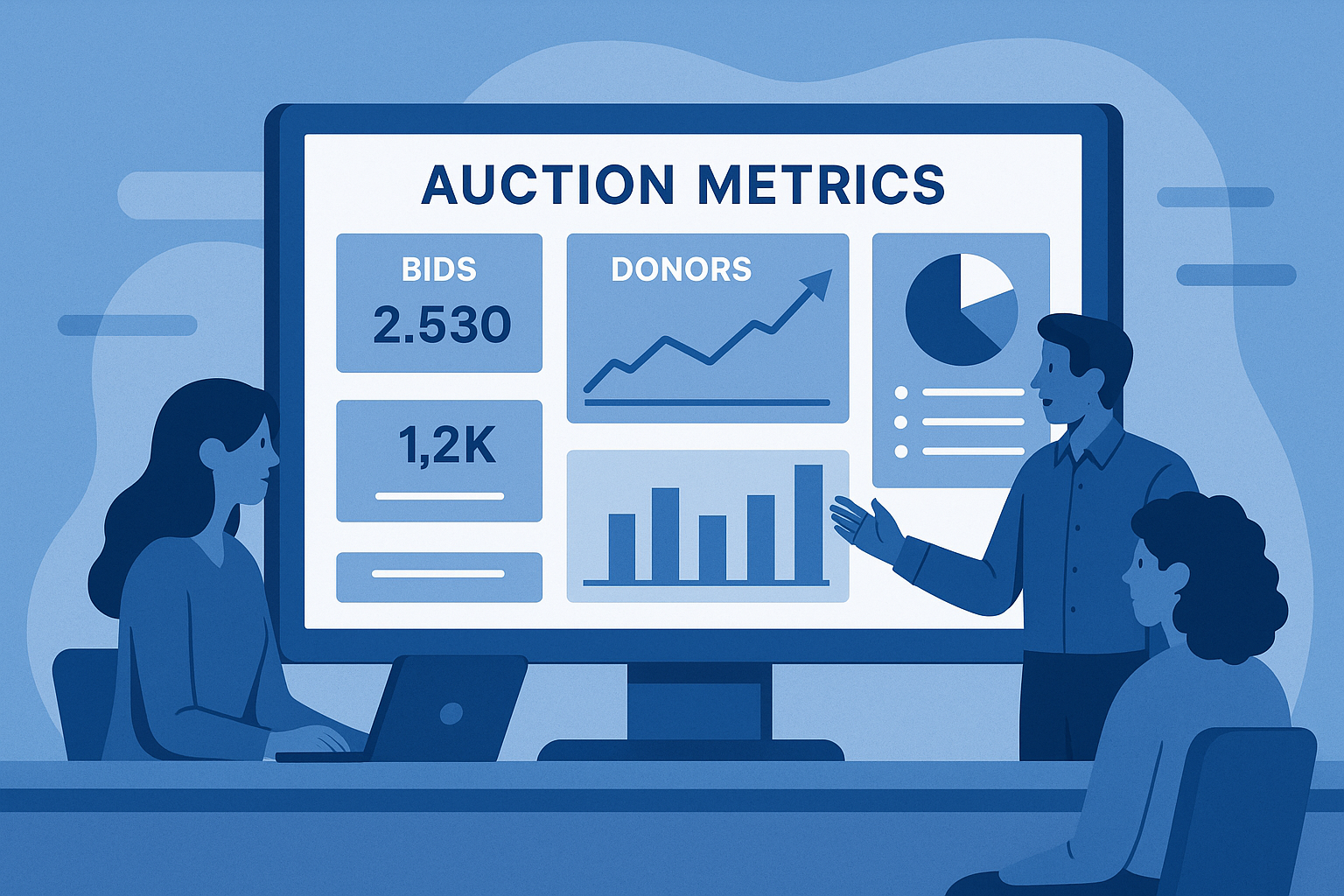
Why Auction Metrics Matter
Tracking performance metrics helps nonprofits understand what worked, what didn’t, and how to improve next time.
Without data, it’s impossible to know which items performed best, which bidders were most engaged, or whether the event met its goals.
Auction analytics turn every event into a roadmap for smarter, more profitable fundraising.
For a deeper look at post-event analysis, visit How to Use Auction Analytics.
Key Metrics Nonprofits Should Track
1. Total Funds Raised
This includes all bids, donations, ticket sales, and sponsorships collected during the event. It’s the most direct indicator of success.
2. Average Bid Value
Measures the average dollar amount per bid, revealing donor spending behavior and engagement.
3. Bid-to-Item Ratio
Tracks how many bids each auction item received. A low ratio may indicate poor item placement, weak descriptions, or lack of promotion.
Learn how to fix that in How to Display Items.
4. Donor Participation Rate
Shows how many registered bidders actually placed bids. Higher participation signals better engagement and accessibility.
5. Revenue by Category
Breaks down which item types (trips, experiences, gift baskets, etc.) raised the most funds.
This insight helps refine future procurement strategy. See How to Source Items for ideas.
6. Mobile vs. Desktop Engagement
Tracks which devices donors used to bid, helping nonprofits optimize for mobile bidding—a must for hybrid and online events.
7. Time of Peak Activity
Identifies when most bids occurred, guiding future auction timing and promotional pushes.
8. New vs. Returning Donors
Compares engagement among new supporters and repeat participants to measure long-term loyalty.
Advanced Metrics Available with CharityAuctions
CharityAuctions automatically collects and visualizes hundreds of data points across every event.
Top Advanced Reports:
- Bidder Heatmaps: Identify when and where bidding peaked.
- Item Conversion Rate: See which listings converted the most page views into bids.
- AI-Driven Revenue Forecasts: Predict expected performance for upcoming events.
- Category Performance Reports: Discover which types of items drive the most revenue.
- Donor Lifetime Value (LTV): Track long-term impact of returning supporters.
The platform turns raw data into clear, actionable insights for event directors, school fundraisers, and nonprofit boards.
Comparing Analytics Capabilities Across Platforms
| Platform | Real-Time Dashboards | AI Insights | Donor Segmentation | Exportable Reports | Ease of Use |
|---|---|---|---|---|---|
| CharityAuctions | ✅ | ✅ | ✅ | ✅ | ✅ |
| GiveSmart | ✅ | Partial | ✅ | ✅ | Moderate |
| OneCause | ✅ | Limited | ✅ | ✅ | Moderate |
| Auctria | ✅ | ❌ | ⚙️ Basic | ✅ | ✅ |
| Handbid | Partial | ❌ | Basic | Limited | Moderate |
| Greater Giving | ✅ | ❌ | Limited | ✅ | Complex |
CharityAuctions offers the most comprehensive combination of AI insights, real-time dashboards, and donor segmentation tools—ideal for organizations that want both simplicity and depth.
How to Turn Data Into Fundraising Strategy
- Identify Trends: Use post-event reports to discover which items or categories perform best.
- Improve Promotion: Focus marketing on high-performing item types.
- Engage Repeat Donors: Use LTV and participation data to re-engage loyal supporters.
- Optimize Event Timing: Schedule your next event based on peak activity patterns.
- Experiment with Formats: Compare results from live, silent, and hybrid auctions.
To streamline post-event follow-up, check out Post-Auction Follow-Up.
How CharityAuctions Streamlines Performance Tracking
CharityAuctions delivers the insights nonprofits need without spreadsheets or manual exports.
Every auction automatically generates reports on bids, items, donors, and transactions—ready for sharing with your team or board.
With built-in dashboards, AI forecasting, and CRA-compliant reporting for Canadian nonprofits, it’s the all-in-one data solution for smarter fundraising.
Explore more related guides:
Frequently Asked Questions
Which auction metrics matter most to track?
Total raised, registrations, active bidders, bids per item, items with 3+ bidders, average bid amount, sell-through rate, unpaid invoice rate, and net revenue after fees.
What are leading versus lagging auction metrics?
Leading metrics predict outcomes during the campaign (page views, watchlists, first-bid timing, outbid-response rate). Lagging metrics summarize the result after close (revenue, FMV ratio, unpaid invoices).
Which mid-campaign signals show if items need help?
Low views, few watchlists, long time-to-first-bid, and low outbid-response. Promote or refresh photos, improve titles, adjust starts or increments, and feature items with weak signals.
How should we use “bids per item” as a benchmark metric?
Aim for at least 5–7 bids on average. Items below that threshold need better images, titles, or promotion. Track by category to tune your future item mix.
Why track the percentage of items with three or more bidders?
It measures competitive depth. More items with 3+ bidders usually means stronger final prices and healthier catalog appeal across segments.
What does FMV ratio tell us and what is a healthy range?
FMV ratio is winning price divided by fair market value. Many events average 70–120 percent. Under 70 suggests pricing or demand issues; over 100 indicates strong competition or unique items.
How do we track which channels drive registrations and bids reliably?
Use UTM tags on every link and report by source, medium, and campaign. Measure click-through, registration completion, first bid, and revenue per session by channel.
Which metrics show if alerts and watchlists are working well?
Watchlist rate, outbid-response rate, and close-time bid velocity. If response is low, refine alert timing, subject lines, or use a shorter countdown sequence.
How do we monitor and reduce unpaid invoices after close?
Track unpaid invoice rate, time-to-payment, and reminder effectiveness. Use card-on-file, clear pickup or shipping steps, and automated reminders within 24–72 hours.
What cohort metrics help grow results year over year?
Return rate by first-event year, average gift by cohort, and cross-event retention of bidders and donors. Target lapsed cohorts with items and messages tailored to past interests.
How often should we review auction metrics and with whom?
Weekly during the campaign and within 72 hours post-event. Share a one-page summary for staff and a board-ready recap with key charts and next-step experiments.
What common mistakes skew auction metrics and decisions?
Ignoring UTMs, mixing test traffic with live data, missing FMV fields, and comparing events with different item mixes or timelines. Normalize by category and use per-item and per-registrant views.
💡 Try this in ChatGPT
- Summarize the article "How Do Nonprofits Track Auction Performance Metrics?" from https://blog.charityauctions.com/how-to-track-auction-metrics/ in 3 bullet points for a board update.
- Turn the article "How Do Nonprofits Track Auction Performance Metrics?" (https://blog.charityauctions.com/how-to-track-auction-metrics/) into a 60-second talking script with one example and one CTA.
- Extract 5 SEO keywords and 3 internal link ideas from "How Do Nonprofits Track Auction Performance Metrics?": https://blog.charityauctions.com/how-to-track-auction-metrics/.
- Create 3 tweet ideas and a LinkedIn post that expand on this help topic using the article at https://blog.charityauctions.com/how-to-track-auction-metrics/.
Tip: Paste the whole prompt (with the URL) so the AI can fetch context.
