
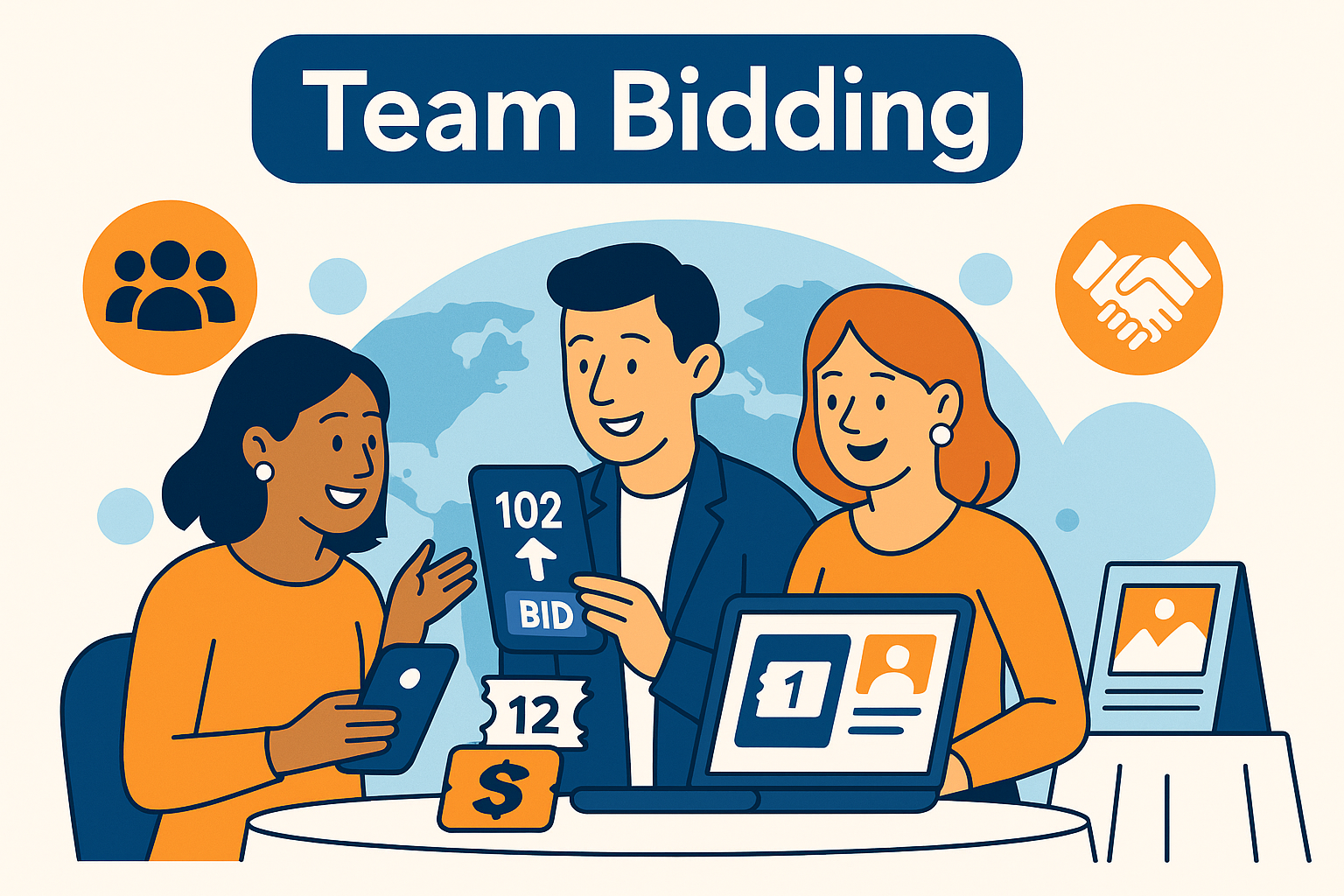
Group and team bidding features allow multiple guests—such as corporate sponsors, families, or gala tables—to bid together under a shared bidder account. This makes bidding easier for groups seated together, increases live auction energy, and simplifies checkout for table hosts.
Whether the auction is live, hybrid, or fully online, team bidding gives organizations a flexible way to engage groups that want to participate collectively. It also helps organizers manage large sponsor tables more efficiently.
For full event setup guidance, see the pillar:
Auction Event Setup and Registration
Simplify Group Bidding
CharityAuctions lets sponsor tables and groups bid together under one account for a smoother experience and higher participation.
Visit CharityAuctions1. What Is Group or Team Bidding?
Group bidding allows two or more people to:
- Share a bidder number
- Bid collaboratively on items
- Pool funds under one account
- Receive a single invoice
This feature is especially useful for:
- Sponsor tables
- Corporate groups
- Couples
- Families
- Donor clubs
- Community groups attending galas
It removes friction and allows groups to enjoy the auction experience without managing multiple accounts.
2. Where Group Bidding Works Best
2.1 Live Auctions
During a live auction, a sponsor table may want to bid collectively on high-value items. A shared bidder number ensures:
- One paddle represents the full group
- Auctioneers can track bids easily
- Competition stays lively
- Checkout remains simple
Learn more about live formats in:
Solutions for managing live and timed auctions
2.2 Silent and Online Auctions
For online or mobile bidding, group members can all access:
- Item catalogs
- Bid updates
- Notifications
They can discuss bids together and one designated person can submit the bid.
2.3 Gala Events
Group bidding is essential for sponsor tables at gala events. It supports:
- Multiple guests tied to one sponsor
- Shared financial responsibility
- A better fundraising experience
See:
Best auction platforms for gala events
3. How Group Bidding Simplifies Donor and Staff Workflows
3.1 Easier for Guests
Guests don’t need separate accounts or bidder numbers. A single shared number means:
- No confusion during the auction
- Easy communication at sponsor tables
- Faster participation during high-energy moments
3.2 Easier for Staff
Staff no longer need to:
- Merge duplicate bidder accounts
- Split sponsor table invoices
- Track conflicting bidder numbers
Checkout becomes faster and more accurate.
4. Setting Up Group Bidding in Your Auction Platform
Strong auction platforms allow you to define a “group” in several ways:
4.1 Sponsor Table Groups
When a sponsor purchases a table, organizers can:
- Add multiple sub-guests
- Link guests to the sponsor
- Assign one shared bidder number
- Provide table-wide access to bidding
4.2 Couples or Households
Spouses can share bidder access and receive a combined invoice.
4.3 Community or Club Groups
Groups attending together can be assigned:
- Shared seats
- Shared bidder credentials
- Shared purchase responsibility
This minimizes administrative work.
5. Combined Checkout for Group Purchases
One of the biggest benefits of group bidding is simplified payment.
When a group wins items, the checkout system:
- Sends one invoice
- Lists all items won
- Provides one payment link
- Reduces billing confusion
This is especially helpful for corporate sponsors covering all purchases.
For additional registration and table management workflows, see:
Manage auction registration and guest lists online
6. Group Bidding in Hybrid and Online Events
Group bidding enhances hybrid participation as well. For example:
- Remote team members can watch the livestream
- On-site guests can coordinate bids at the table
- Everyone stays synced through mobile notifications
Learn more about hybrid and online flows in:
Run fundraising auctions entirely online
7. Real-Time Updates Make Group Bidding More Effective
A strong auction platform must allow groups to:
- See real-time bid history
- Get instant outbid alerts
- View updates across devices
- Coordinate decisions quickly
Real-time content tools help ensure group bidding stays smooth.
See:
Update auction content in real time
Why Group Bidding Boosts Auction Results
Group bidding increases auction performance by:
- Making participation easier
- Creating social energy at tables
- Encouraging stronger competition
- Simplifying billing and check-out
- Keeping sponsor groups fully engaged
It’s one of the simplest ways to enhance both donor experience and revenue.
Frequently Asked Questions
What is group or team bidding in a charity auction?
Group bidding lets multiple supporters pool funds and bid as one unit—using a shared paddle at a gala or a shared bidder profile online—to win items together or contribute toward a single pledge.
How can we set up team bidding—one shared paddle or linked individual accounts?
You can issue a single team paddle/profile controlled by a captain, or link multiple bidder profiles to one “team” with shared balance rules. Choose the model that best fits your reconciliation needs.
How do teams pool money and set spending limits before bidding starts?
Create a team budget by adding each member’s pledge and set a hard cap. Members can pre-authorize cards or make deposits so the captain bids confidently within the agreed limit.
Who is allowed to place bids on behalf of the team during the event?
Assign a captain (and an optional co-captain). Only those roles can place bids or raise paddle levels; other members can follow progress and approve increases if you enable approvals.
Does team bidding work for both live galas and online auctions?
Yes. At galas, teams use a shared paddle; online, they use a shared profile or captain link. The platform aggregates bids to one team record for invoicing.
Can teams place a max (proxy) bid so the system auto-bids for them?
Yes. The captain sets a maximum; the system raises in increments up to that limit. Team members can be notified when the proxy is close to its cap to approve more funds.
How do we stop teammates from accidentally bidding against their own team?
Use a single team profile for bidding. If individuals have separate logins, link them to the team so the system blocks internal competition on the same lot.
After the team wins, can the invoice be split among members automatically?
Yes. You can split evenly or by custom percentages. The system issues separate pay links and tracks who has paid; the organizer sees settlement status per member.
How are tax receipts handled when multiple people share the winning bid or pledge?
Each member receives a receipt for their portion, including the fair market value (FMV) allocation if applicable. Consult local guidance on deductibility rules for shared purchases.
Can companies form teams and use employer matching on team pledges or wins?
Yes. Set the team as a company team and record each member’s portion. Provide receipts that employees can submit to matching programs or have the company pay the full invoice.
If a team wins a physical item, who picks it up or receives shipment?
Set an “item custodian” during checkout. For experiences, list all attendees allowed; for goods, designate one recipient and note any internal sharing arrangements among members.
What if a member declines to pay their portion after the team wins an item?
The captain or remaining members can cover the balance, or the organizer can reassign shares. Define this policy upfront in team terms to avoid disputes.
Are team member names and contribution amounts shown publicly during the event?
By default, only the team name appears on leaderboards. Member names and share amounts remain private unless you choose recognition settings to display them.
Does team bidding violate any fair bidding rules or create collusion concerns?
No—teams are treated as a single bidder. Collusion rules address coordination across competing bidders; a declared team is one entity with transparent ownership of bids.
Can teams contribute to a paddle raise or fund-a-need instead of bidding on items?
Yes. Team pledges are recorded per member or as a lump sum, then split. Receipts reflect donation amounts without FMV since no goods were received.
Is there an audit trail for team bids and internal changes (members, caps, splits)?
Yes. The bid history shows timestamps and actor roles, and the team record logs member adds/removals, budget updates, and invoice split edits for clear reconciliation.
💡 Try this in ChatGPT
- Summarize the article "Group and Team Bidding in Charity Auctions" from https://blog.charityauctions.com/group-and-team-bidding-in-charity-auctions/ in 3 bullet points for a board update.
- Turn the article "Group and Team Bidding in Charity Auctions" (https://blog.charityauctions.com/group-and-team-bidding-in-charity-auctions/) into a 60-second talking script with one example and one CTA.
- Extract 5 SEO keywords and 3 internal link ideas from "Group and Team Bidding in Charity Auctions": https://blog.charityauctions.com/group-and-team-bidding-in-charity-auctions/.
- Create 3 tweet ideas and a LinkedIn post that expand on this help topic using the article at https://blog.charityauctions.com/group-and-team-bidding-in-charity-auctions/.
Tip: Paste the whole prompt (with the URL) so the AI can fetch context.
