
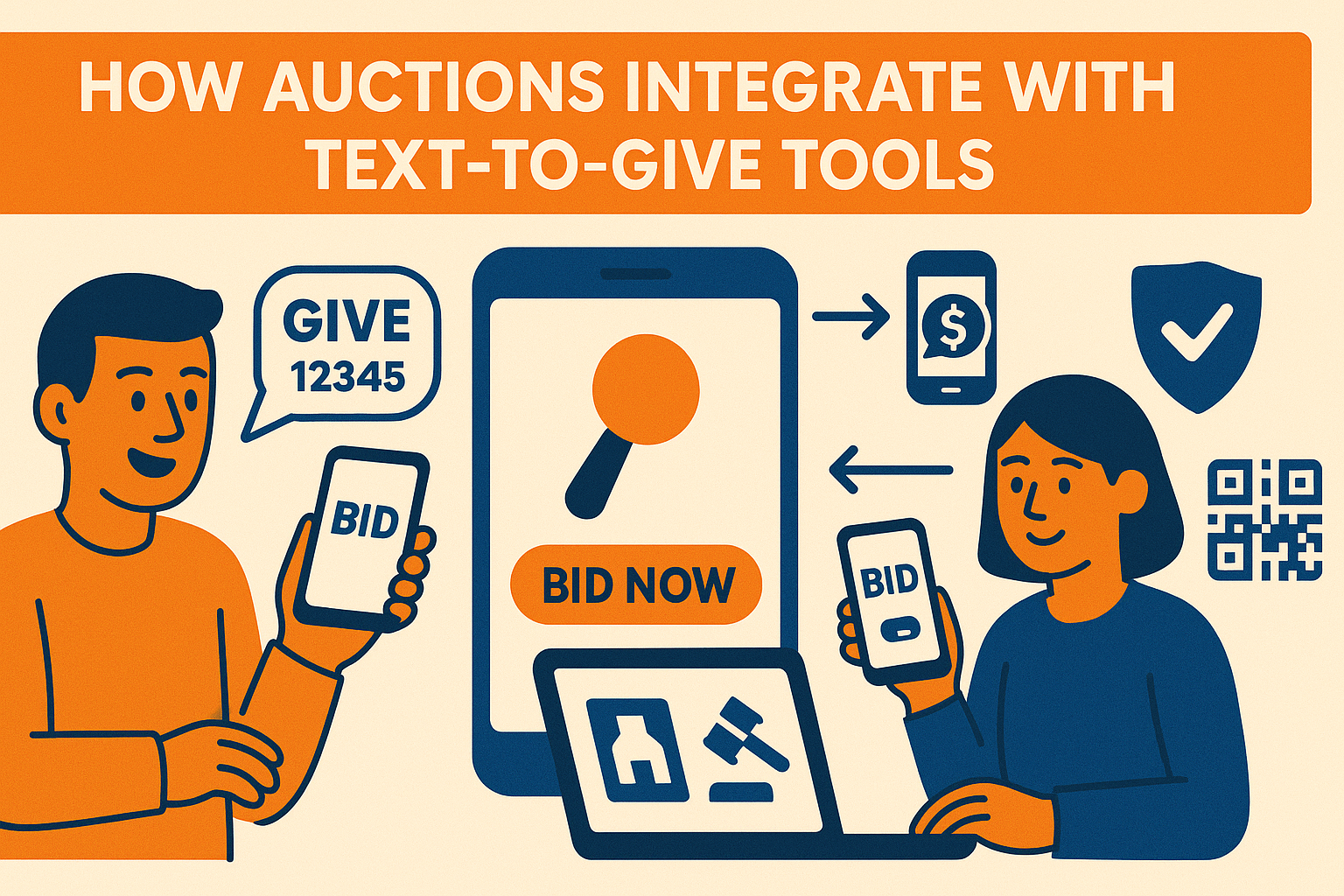
Text to give has become one of the fastest ways for donors to contribute during a live event. When combined with an online or mobile auction, it creates a powerful fundraising environment where supporters can bid, donate, and check out using the same payment method.
Auction platforms with built in text to give support allow donors to move seamlessly between bidding and donating without switching systems or reentering payment details. This simplifies the donor experience and strengthens overall event performance.
Connect Auctions and Text to Give in One Platform
CharityAuctions keeps bidding and donating in sync with unified payments and real time reporting to maximize event revenue.
Visit CharityAuctionsWhy Combining Auctions and Text to Give Works So Well
1. Donors Can Give Instantly During High Energy Moments
Text to give tools capture donor enthusiasm the moment it happens. Whether during a paddle raise, a live appeal, or in between bidding rounds, supporters can donate within seconds using their phone.
When paired with auction participation, this keeps donors engaged even when they are not actively bidding.
2. Unified Payment Methods Improve Completion Rates
One of the biggest benefits of integrating text to give with auctions is payment continuity. When both tools use the same payment processor, donors do not need to reenter card details or create additional accounts.
Unified payments also support smoother checkout, similar to the improvements described in the guide on creating a smooth payment experience for auction donors.
3. Integrated Processors Simplify Reporting
Donations and auction payments flow into the same reporting system. This reduces reconciliation work for nonprofit teams and prevents discrepancies when closing out the event.
To understand how processors connect across channels, review:
4. Built In Fraud Protection Across Both Channels
When text to give transactions run through the same fraud prevention tools as auction payments, nonprofits gain consistent protection. Suspicious donor activity, duplicate accounts, or invalid cards are flagged before they affect the event.
Fraud management is explained in depth in:
5. Better Support for International and Canadian Donors
Text to give donations from Canadian or international supporters require proper currency handling, tax rules, and processor compatibility. Integrating auctions and text to give ensures currency conversions and receipts remain accurate.
More guidance is available in:
- Canadian payment gateway auction tools:
- Multi currency auction solutions in Canada:
- Canadian tax receipt auction tools:
6. Consistent Receipts and Donor Communications
Integrated systems send receipts automatically and keep donor activity unified under one record. This improves transparency and keeps acknowledgment messaging consistent across auctions and donations.
7. Perfect for Multi Cause Events
If your auction raises money for multiple beneficiaries, integrated text to give tools ensure donations flow to the correct fund without extra steps. Split proceeds are calculated cleanly at the item or donation level.
See more in split proceeds for multi cause auctions.
How Nonprofits Benefit From Integrating Auctions and Text to Give
Combining both channels produces measurable improvements in fundraising performance:
- Higher donor participation
- Faster mobile payments
- Reduced support inquiries
- Clearer financial reporting
- Stronger event engagement
When donors can bid and donate using a single payment method, participation becomes simpler and more intuitive.
Frequently Asked Questions
What does it mean to integrate auctions with Text-to-Give?
It connects your auction platform with an SMS donation tool so supporters can text a keyword to a short code to register, receive bidding links, or make instant gifts during your event.
Why pair Text-to-Give with an online or live auction?
It removes friction. Guests can register from their seats, get a direct bidding link, cover quick paddles-up pledges, and donate even if they don’t want to bid on items.
What do we need to set up Text-to-Give for our auction night?
You’ll choose a keyword and number (short code or 10DLC), connect your payment processor, map the SMS flow to your auction links, and test the end-to-end experience before doors open.
Can supporters register for the auction by sending a text message?
Yes. They text your keyword and receive a secure deep link to your auction registration page. After registering, they’ll get a personal bidding link via SMS.
How does Text-to-Give connect the donor’s phone number to their bidder account?
The platform matches the verified phone to their registration profile. Future texts can return a one-tap link to their dashboard, items, and invoices.
Can we run a live “paddles-up” appeal with texted donation amounts?
Yes. Display giving levels on screen and instruct guests to text an amount or level keyword. Gifts post in real time and can be shown on a fundraising thermometer.
What payment methods work with Text-to-Give during an auction?
Credit/debit cards and major wallets are typical. If your platform supports stored payment tokens, donors can confirm a pledge by text and the card is charged securely.
Is Text-to-Give compliant with texting rules and opt-out requirements?
Yes, when configured correctly. Your SMS flow must capture consent and honor STOP/HELP keywords, include sender identification, and follow regional messaging guidelines.
Are there extra costs to add Text-to-Give to our auction strategy?
You may pay SMS messaging fees and standard payment processing fees. Some platforms bundle a set number of messages; confirm pricing before your event.
Will Text-to-Give donations appear in our auction reports and totals?
They can. Integrated systems attribute SMS gifts to the same event, so you see combined totals, donor records, and receipts in one place.
Will international guests be able to use the Text-to-Give number at our event?
Support varies by carrier and country. Provide a fallback QR code to your mobile checkout for guests whose carriers do not support the SMS short code.
Can we send outbid alerts and closing reminders by text to increase bids?
Yes. With consent, the platform can text outbid notices, last-chance alerts, and payment links at close to reduce unpaid invoices and missed bids.
How do we introduce Text-to-Give to guests during the event so it’s easy to use?
Post signs: “Text KEYWORD to ###### to register or give.” Add the short instructions to slides, programs, and table tents. Have emcees demo the flow in 30 seconds.
Do donors receive receipts for Text-to-Give donations tied to the auction appeal?
Yes. Integrated systems email a receipt and log gifts for year-end statements. If tied to an item or appeal, the record reflects FMV and deductible details as needed.
Will Text-to-Give donor data sync to our CRM for follow-up messages?
Many platforms sync contact, consent, and transaction details to your CRM, letting you segment SMS donors for thank-yous, receipts, and future appeals.
💡 Try this in ChatGPT
- Summarize the article "How Auctions Integrate With Text to Give Tools" from https://blog.charityauctions.com/auctions-integrate-with-text-to-give/ in 3 bullet points for a board update.
- Turn the article "How Auctions Integrate With Text to Give Tools" (https://blog.charityauctions.com/auctions-integrate-with-text-to-give/) into a 60-second talking script with one example and one CTA.
- Extract 5 SEO keywords and 3 internal link ideas from "How Auctions Integrate With Text to Give Tools": https://blog.charityauctions.com/auctions-integrate-with-text-to-give/.
- Create 3 tweet ideas and a LinkedIn post that expand on this help topic using the article at https://blog.charityauctions.com/auctions-integrate-with-text-to-give/.
Tip: Paste the whole prompt (with the URL) so the AI can fetch context.
