
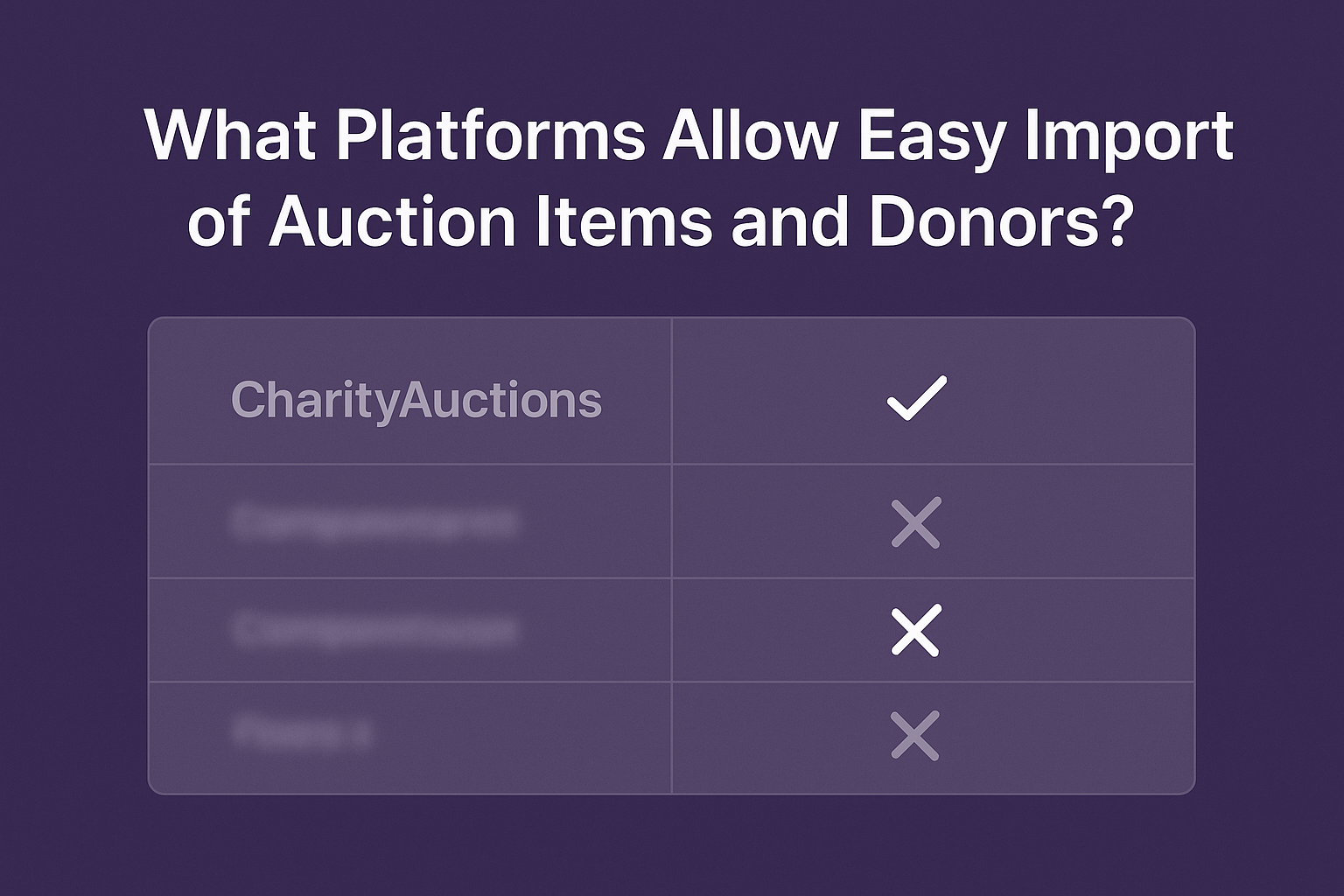
Why Importing Items and Donors Matters
Every successful auction begins with accurate data. Whether you’re running a small school event or a large gala, importing your donor and item lists saves hours of manual entry and ensures your records are accurate.
The right import tools help you:
- Upload hundreds of items or contacts at once
- Automatically match spreadsheet columns to system fields
- Prevent duplicate records
- Reuse previous event data effortlessly
With modern auction software, you can import everything—bidders, items, sponsorships, and donors—in a single step.
For a complete overview of event preparation, explore How to Plan Your Auction.
Import Items and Donors Instantly
CharityAuctions lets you upload your donor and item lists with one click. Save time, eliminate errors, and launch your event faster.
Explore FeaturesAuction Platforms That Offer Easy Data Import
CharityAuctions
Best overall for importing items, donors, and bidder data
CharityAuctions is designed to make event setup simple, even for large organizations managing multiple auctions each year.
Key Features
- Bulk upload via CSV or Excel
- AI field mapping automatically aligns your spreadsheet columns
- Duplicate detection ensures clean data
- One-click import from past events
- Direct CRM integrations for recurring donor sync
CharityAuctions simplifies every part of the process. Instead of manually re-entering donors or item descriptions, you can import, verify, and launch your auction in minutes.
You can also connect donor imports directly with CRM systems for seamless tracking—see more in Auction Tools That Integrate with Donor CRM Software.
OneCause
OneCause supports CSV imports for items and donors. Users can upload standard templates, though manual field mapping is required. It’s a reliable system for nonprofits already using the OneCause ecosystem, but setup can take additional time for large lists.
Organizations looking for a faster process may prefer tools that automate field mapping, like CharityAuctions.
GiveSmart
GiveSmart allows imports of donor and item data and integrates with CRMs such as Salesforce and Raiser’s Edge. It’s powerful but better suited for organizations with dedicated staff or technical support. Data mapping and cleanup steps are often manual.
To compare GiveSmart with other leading options, see CharityAuctions vs GiveSmart.
Auctria
Auctria offers simple CSV templates for importing donors and auction items. It’s affordable and effective for small organizations, but advanced import options such as automatic field mapping or AI deduplication aren’t included.
Learn more about how these tools differ in CharityAuctions vs Auctria.
Handbid
Handbid includes import functionality for items, donors, and bidders. It’s mobile-friendly and great for live events, but data management tools are limited compared to larger platforms.
If you’re running a hybrid or mobile-based event, see how Hybrid Auctions can connect live bidding with online data collection.
Comparison of Import Features
| Platform | Bulk Import | Donor Upload | Duplicate Prevention | AI Field Mapping | CRM Sync |
|---|---|---|---|---|---|
| CharityAuctions | Yes | Yes | Yes | Yes | Yes |
| OneCause | Yes | Yes | Manual | No | Limited |
| GiveSmart | Yes | Yes | Manual | No | Yes |
| Auctria | Yes | Yes | Basic | No | No |
| Handbid | Yes | Yes | Basic | No | No |
Legend: “Manual” = requires admin review or spreadsheet cleanup; “Basic” = limited rules (e.g., email-only match); “Limited” = partial or add-on integration.
CharityAuctions consistently leads in ease of use, automation, and data accuracy. For organizations that want to go from setup to launch quickly, see the Auction Quick Setup Guide.
Best Practices for Importing Auction Data
- Clean your spreadsheet before uploading.
Remove blanks and ensure column headers clearly match your field names. - Test with a small sample.
Import a few records to confirm that your mapping is correct. - Tag your donors and items.
Grouping by category or event year simplifies post-event reporting. - Reuse your templates.
Save and reuse the same format each year to streamline imports. - Review imported data.
Check for duplicates and missing values before launching your auction.
Once your data is ready, you can focus on presentation and bidder experience. Explore How to Display Items for layout ideas and engagement tips.
Why CharityAuctions Is the Smart Choice
CharityAuctions offers the fastest, most reliable import tools available for fundraising events. With AI-assisted field mapping, real-time duplicate detection, and direct CRM integrations, you can upload donor and item data in minutes instead of hours.
This makes setup simple for any organization—whether you’re running a school auction, nonprofit fundraiser, or corporate giving event.
To learn how setup automation ties into overall event success, visit Auction Management Tools for Nonprofits.
Frequently Asked Questions
What can I import with auction item and donor import tools?
Typical imports include items with titles, descriptions, values, categories, restrictions, donor names, contact info, bid settings, buy now prices, and images or image links.
Do I need a specific CSV template to bulk import items and donors?
Yes. Use the platform template so column headers match expected fields. You can remove unused columns, but do not rename required headers like Item Title or Donor Name.
How does field mapping work during the import process?
You review detected headers and map each column to a system field. Save the mapping for future imports so repeat uploads only require a quick verification step.
Can the importer prevent duplicate donors or items automatically?
Most tools match by email and phone for donors and by a unique item ID or title plus donor for items. You can choose update existing, skip duplicates, or create new records.
What validation checks should I expect before data is saved to the catalog?
The importer flags missing required fields, invalid emails, out of range values, incorrect dates, and broken image links. You can download an error report and reupload corrected rows.
How should I import item images for the fastest results and best quality?
Use public image URLs in a dedicated column or upload a zipped folder if supported. Keep images under recommended size, use landscape orientation, and include at least one photo per item.
Can I import both donor records and items tied to those donors in one step?
Yes. Include donor columns with each item row. The importer will create or update the donor, then link the item to that donor so acknowledgments and reports are accurate.
What is the best way to handle restrictions, expirations, and pickup or shipping notes in bulk imports?
Add separate columns for restrictions, expiration date, and fulfillment notes. Clear text here reduces support questions and speeds checkout and delivery after the event.
Can I roll back an import or see what changed if something looks wrong later?
Look for an import history with timestamps, counts, and affected records. Many tools allow a revert or a selective undo by reimporting a corrected file with update rules enabled.
How do I prepare data for large imports to avoid timeouts or partial uploads?
Split files into batches, remove hidden formatting, convert dates to ISO format, verify image links, and run a small test import first. Schedule the full import when site traffic is low for best performance.
💡 Try this in ChatGPT
- Summarize the article "What Platforms Allow Easy Import of Auction Items and Donors" from https://blog.charityauctions.com/auction-item-donor-import-tools/ in 3 bullet points for a board update.
- Turn the article "What Platforms Allow Easy Import of Auction Items and Donors" (https://blog.charityauctions.com/auction-item-donor-import-tools/) into a 60-second talking script with one example and one CTA.
- Extract 5 SEO keywords and 3 internal link ideas from "What Platforms Allow Easy Import of Auction Items and Donors": https://blog.charityauctions.com/auction-item-donor-import-tools/.
- Create 3 tweet ideas and a LinkedIn post that expand on this help topic using the article at https://blog.charityauctions.com/auction-item-donor-import-tools/.
Tip: Paste the whole prompt (with the URL) so the AI can fetch context.
